A successful alert
A warning alert
A danger alert
A info alert




Manage Multiple Brands & Clients In One Dashboard
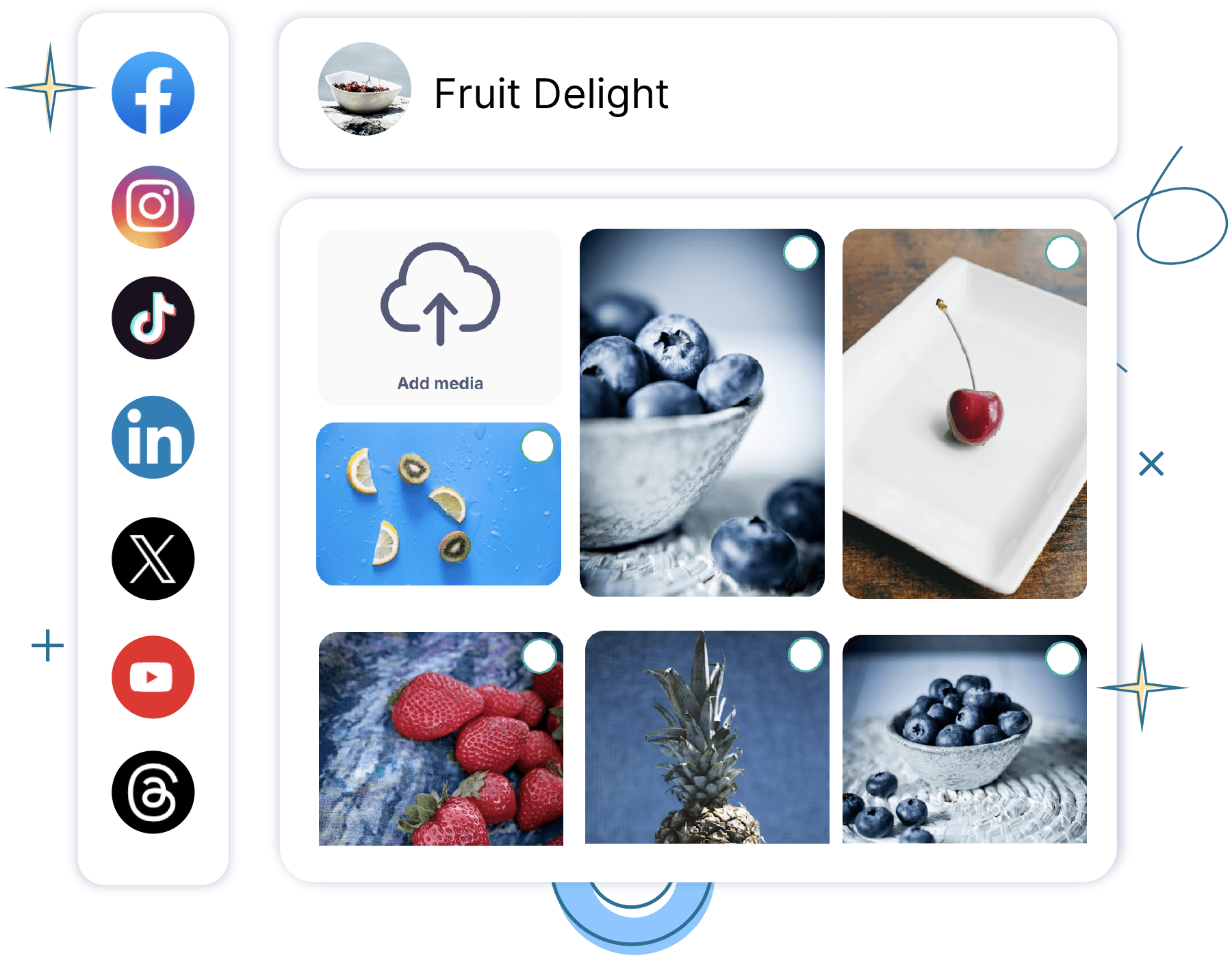
Manage & collaborate on posts for multiple social media brands - all within Publer.
Improve your workflow, amplify your results




Secure your accounts
Enable 2FA and advanced security to keep your accounts safe.

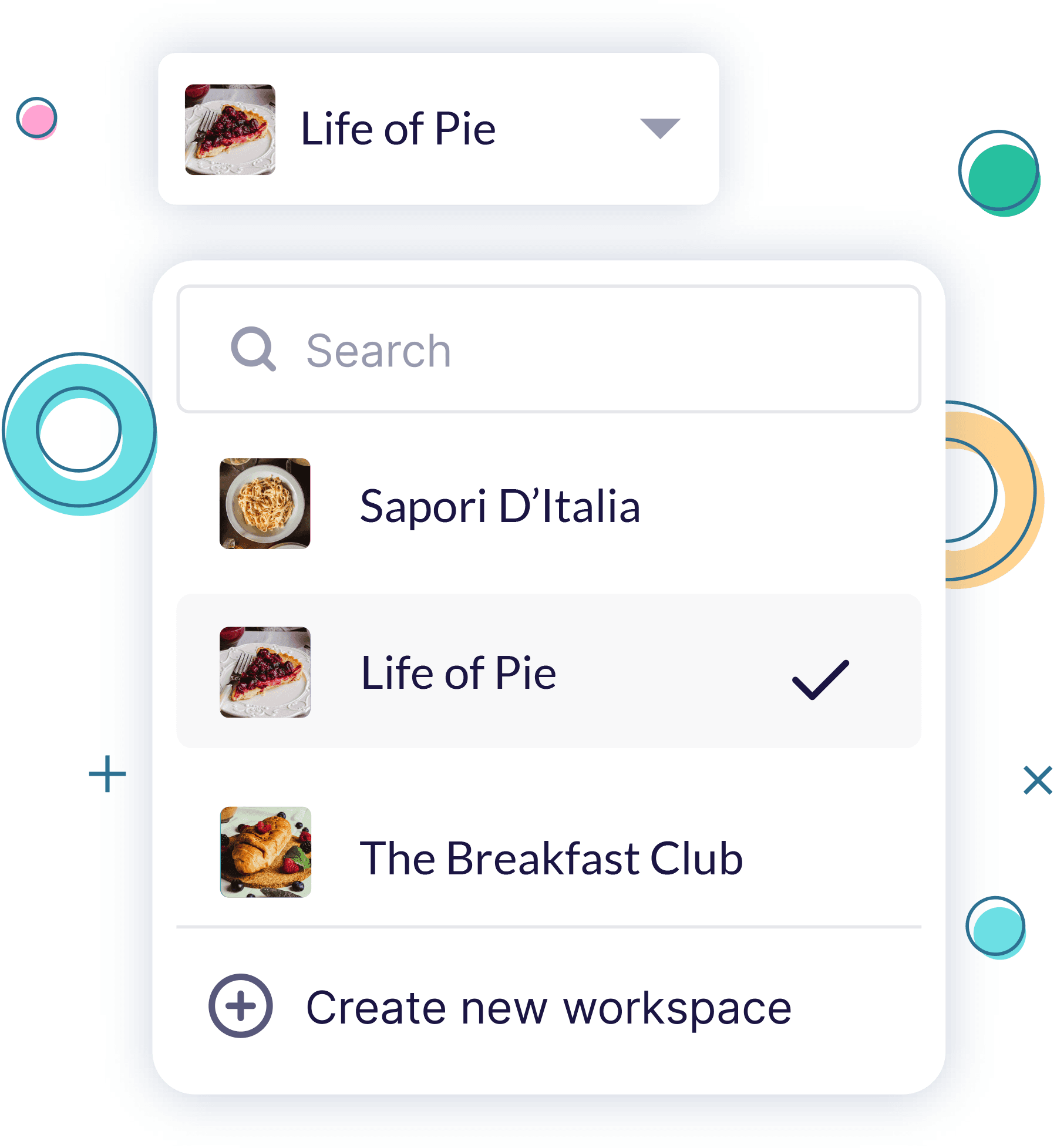
Stay organized as your business grows
Build your dream team
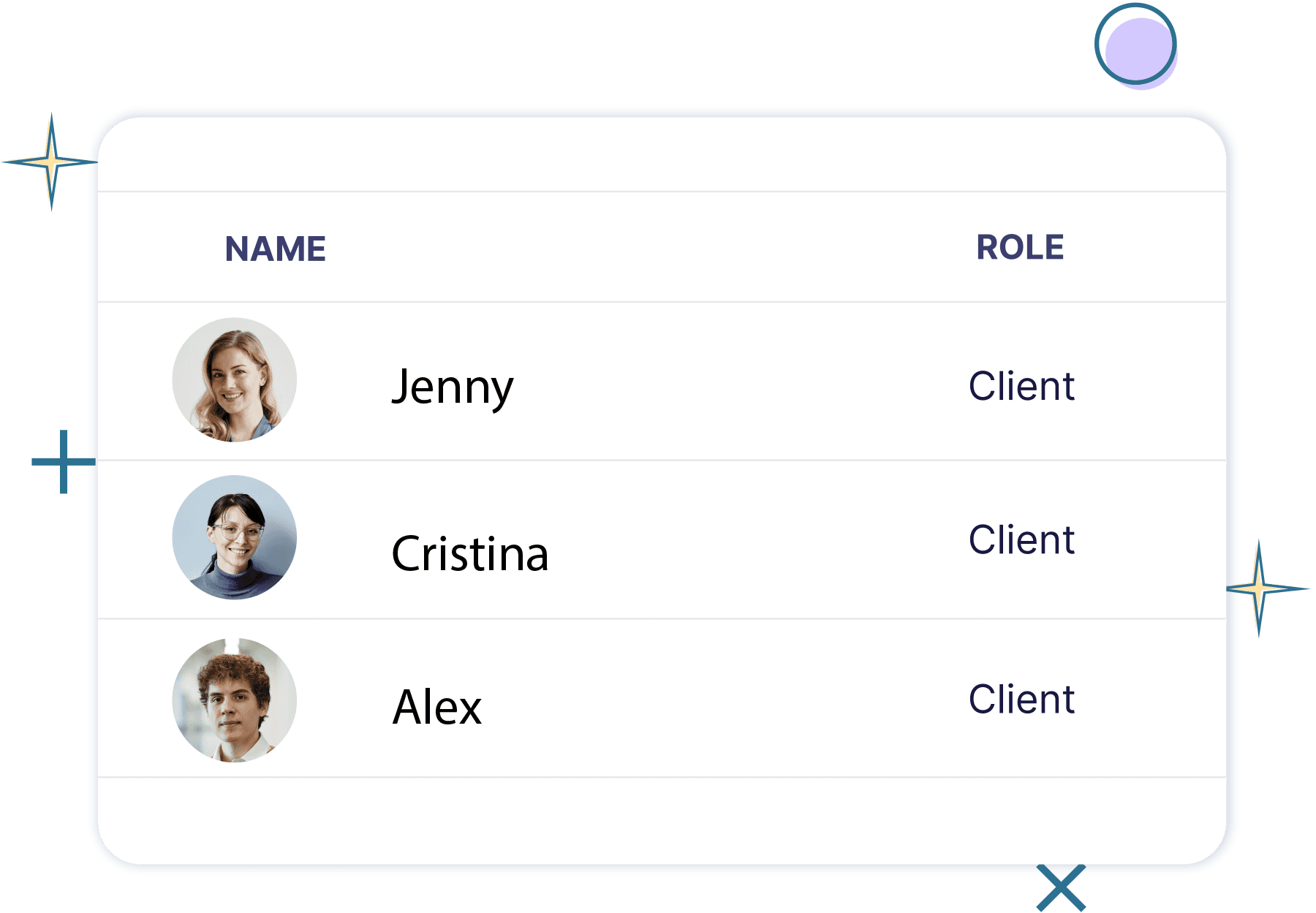
Invite team members and clients to your Workspaces and assign permission levels based on their role.


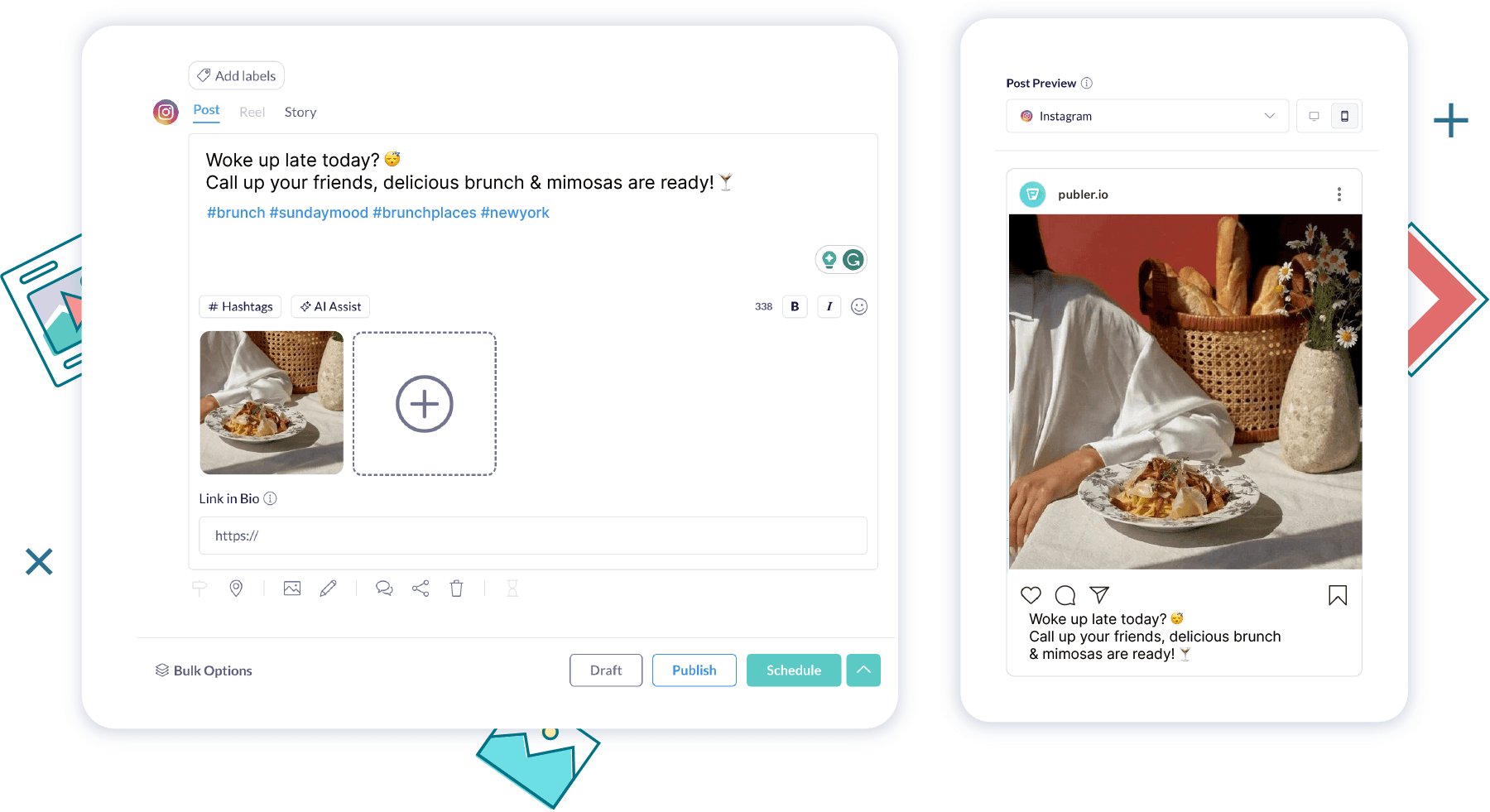
Analyze performance & make smarter decisions



How can I collaborate with my social media management team in Publer?
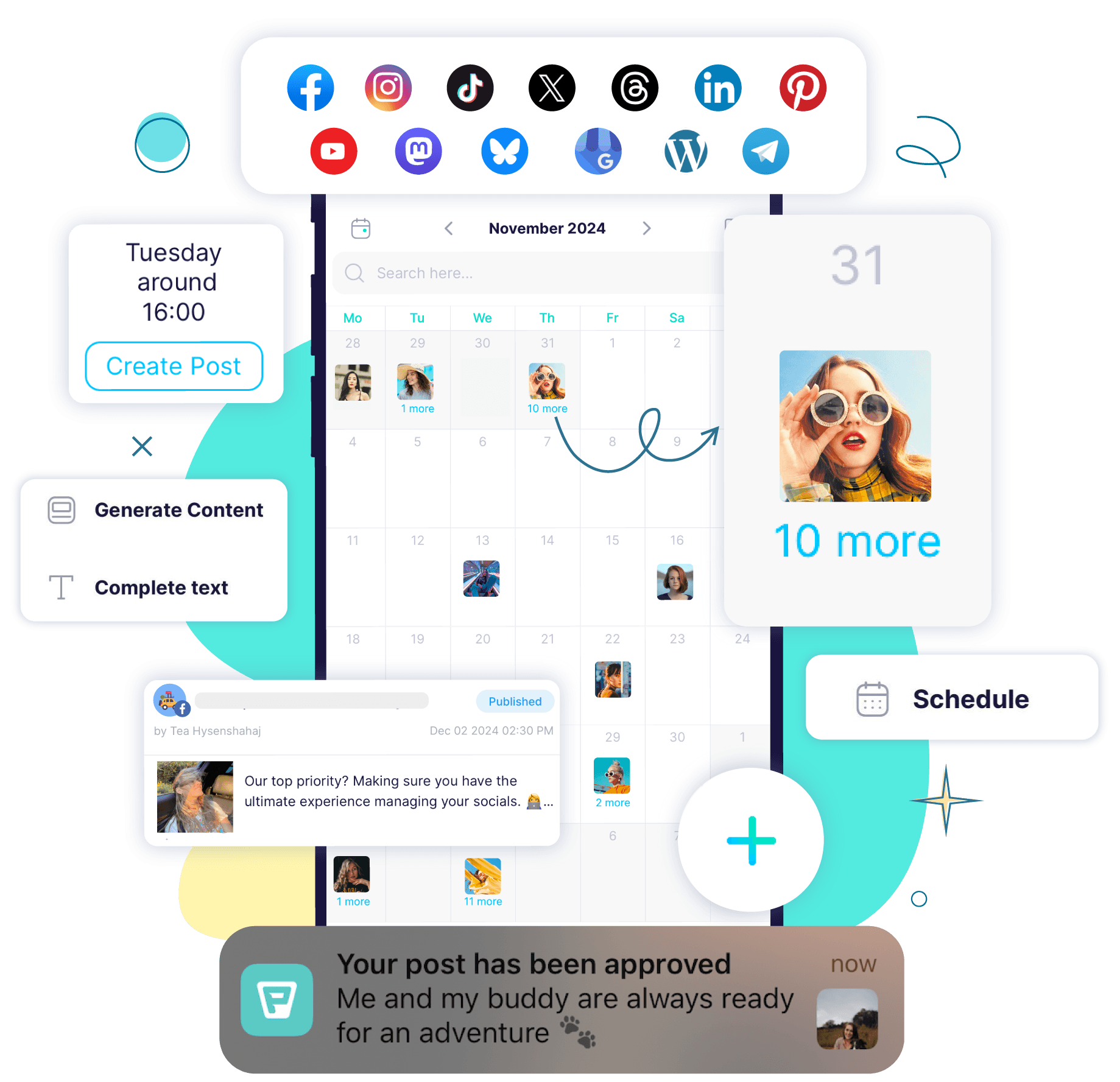
With Publer Workspaces, you can invite team members to collaborate on content, assign roles, leave internal notes, and manage everything in one shared calendar.
Can I manage multiple social media clients in Publer?
Yes. Publer lets you manage multiple brands and clients through separate Workspaces, keeping your projects and teams organized and streamlined. Simply invite them to their dedicated Workspace.
How does social media client collaboration work in Publer?
Clients can be invited to their own Workspaces where they can view, approve, or suggest edits on posts—making collaboration transparent and efficient.
Can I get social media client approvals before posting?
Absolutely. Publer’s two-tiered approval system ensures that clients or internal team members review and approve posts before they go live.
How many Workspaces can I create?
With Publer's Professional and Business plans, you can create as many Workspaces as you need for organized team management! The number of social accounts and team members you can have depends on your chosen plan. You can easily adjust this anytime on your Publer Billing page.
Is Publer secure for managing multiple social media clients?
Yes. Publer offers advanced security features, including Two-Factor Authentication, to protect your client data and accounts.

