A successful alert

A warning alert

A danger alert

A info alert

Automate Your Social Media
Workflow with Publer + Zapier

Automate Your Social Media Workflow with Publer + Zapier

Connect Publer with thousands of apps and automate content publishing, approvals, analytics, and reporting.

Connect Publer with thousands of apps and automate publishing, approvals, analytics,
and reporting.

Automation, Explained Simply

Using the Publer × Zapier integration to automate your workflow is easy.

No coding required.

What is the Publer × Zapier integration?

Zapier is an automation tool that connects different apps so they can work together automatically, without you having to do any manual work. With Publer × Zapier, you can set up automatic flows where actions in Publer trigger other apps, and vice versa.
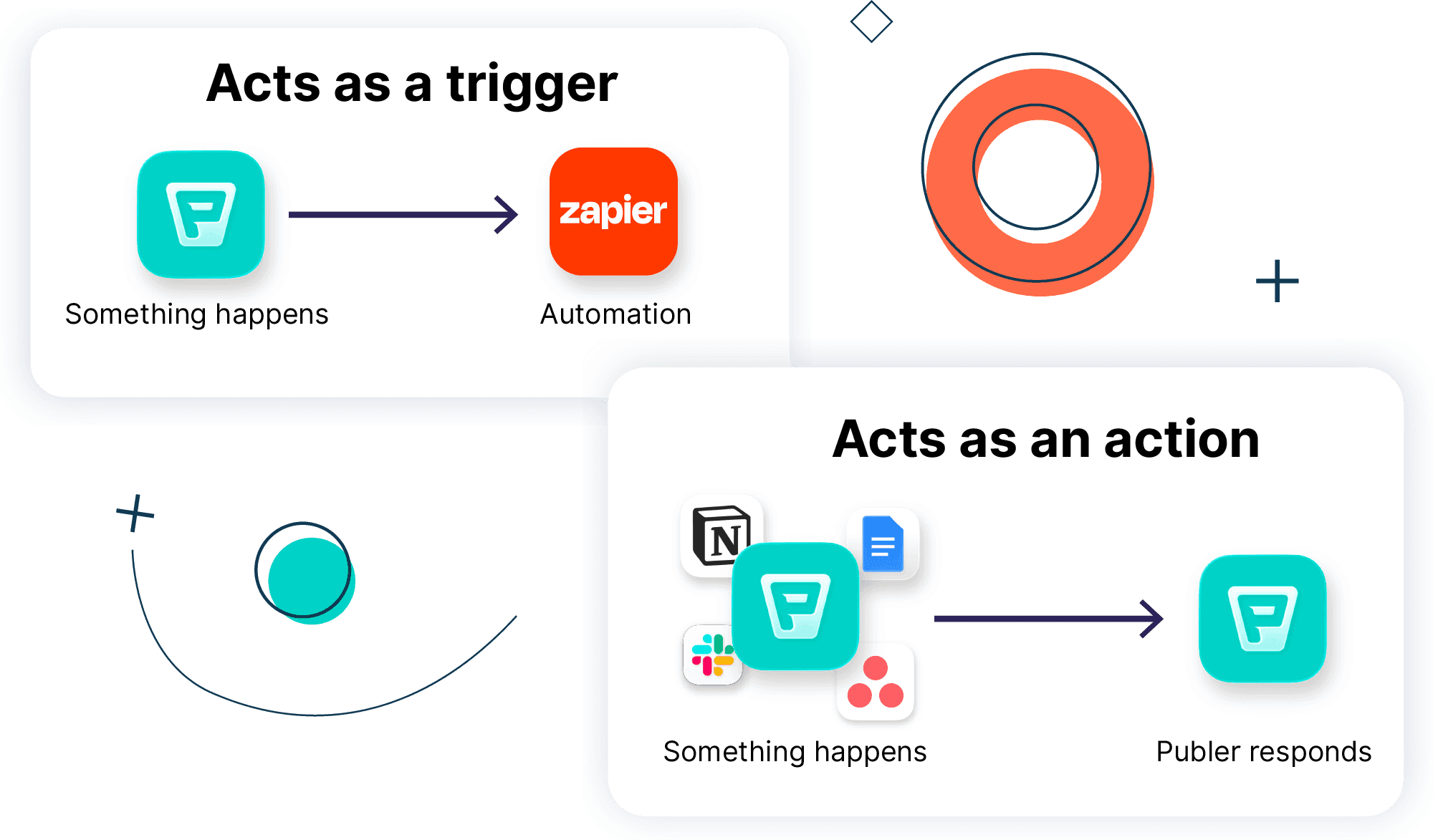
How does it work?

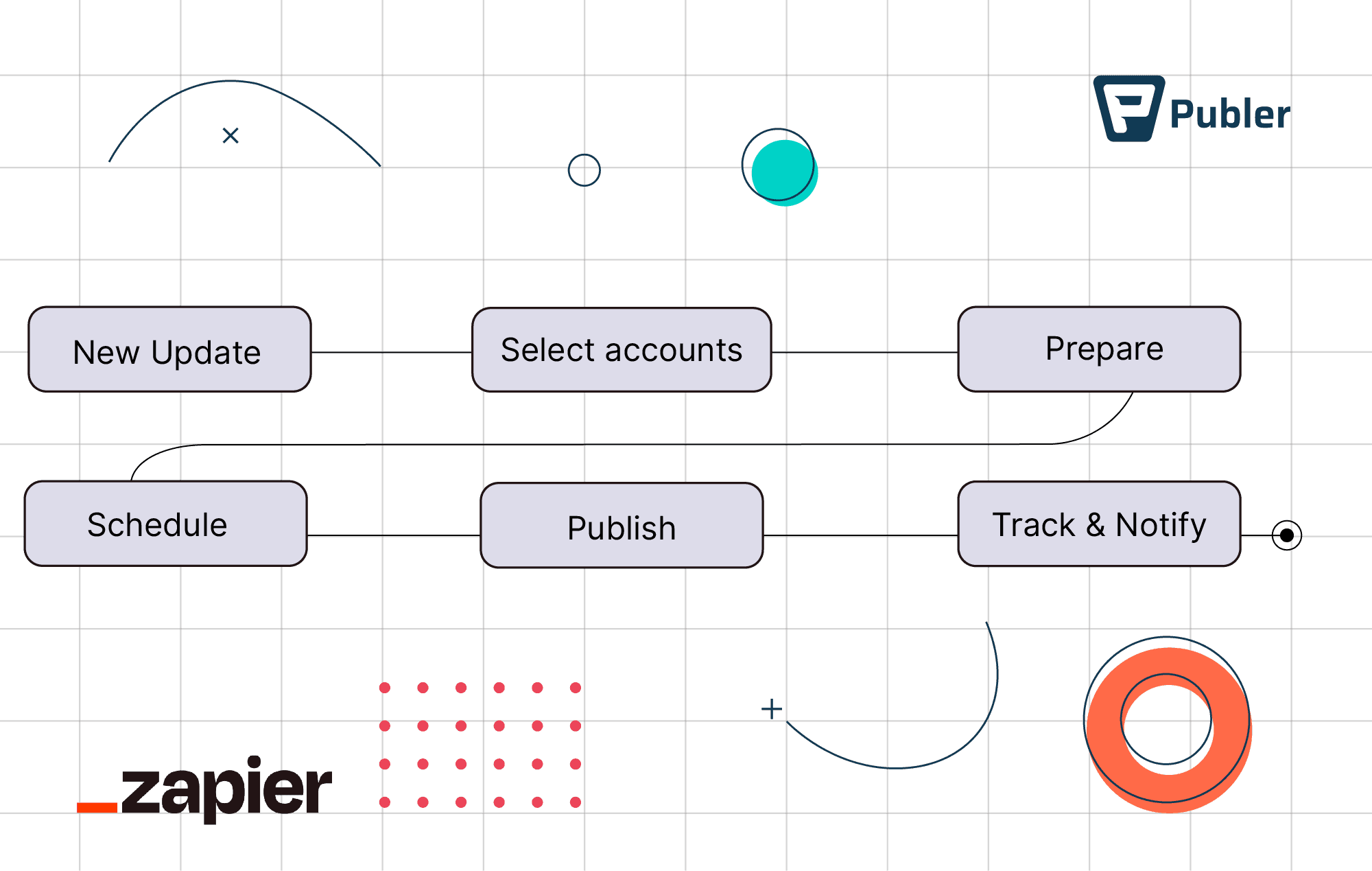
Every automation has two parts:
Trigger → what starts the automation
Action → what happens next

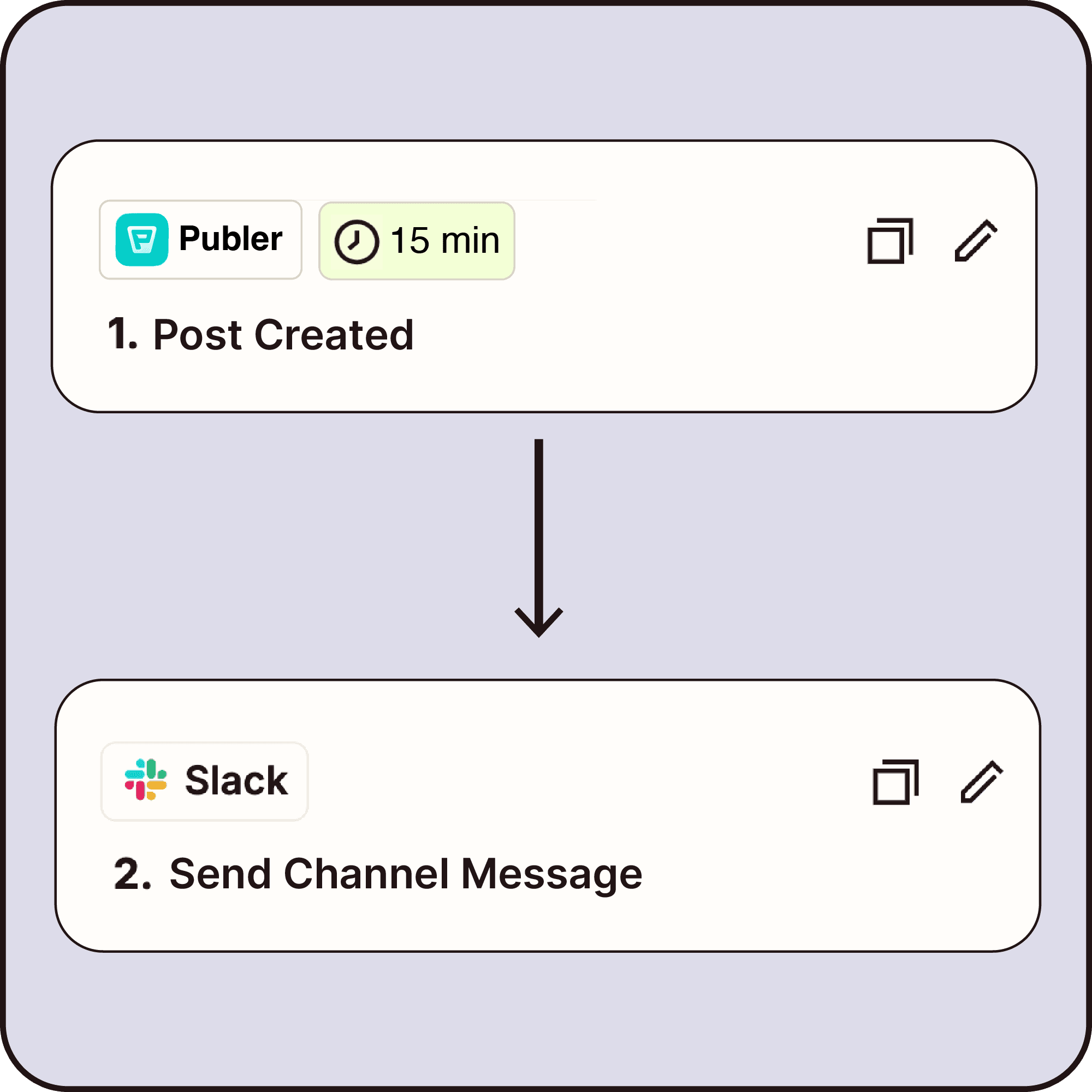
For example, when a post is published in Publer → it can automatically be saved to Google Sheets or shared in Slack.

How does it work?

Every automation has two parts:
Trigger → what starts the automation
Action → what happens next

For example, when a post is published in Publer → it can automatically be saved to Google Sheets or shared in Slack.

Set Up Your Automations in Minutes
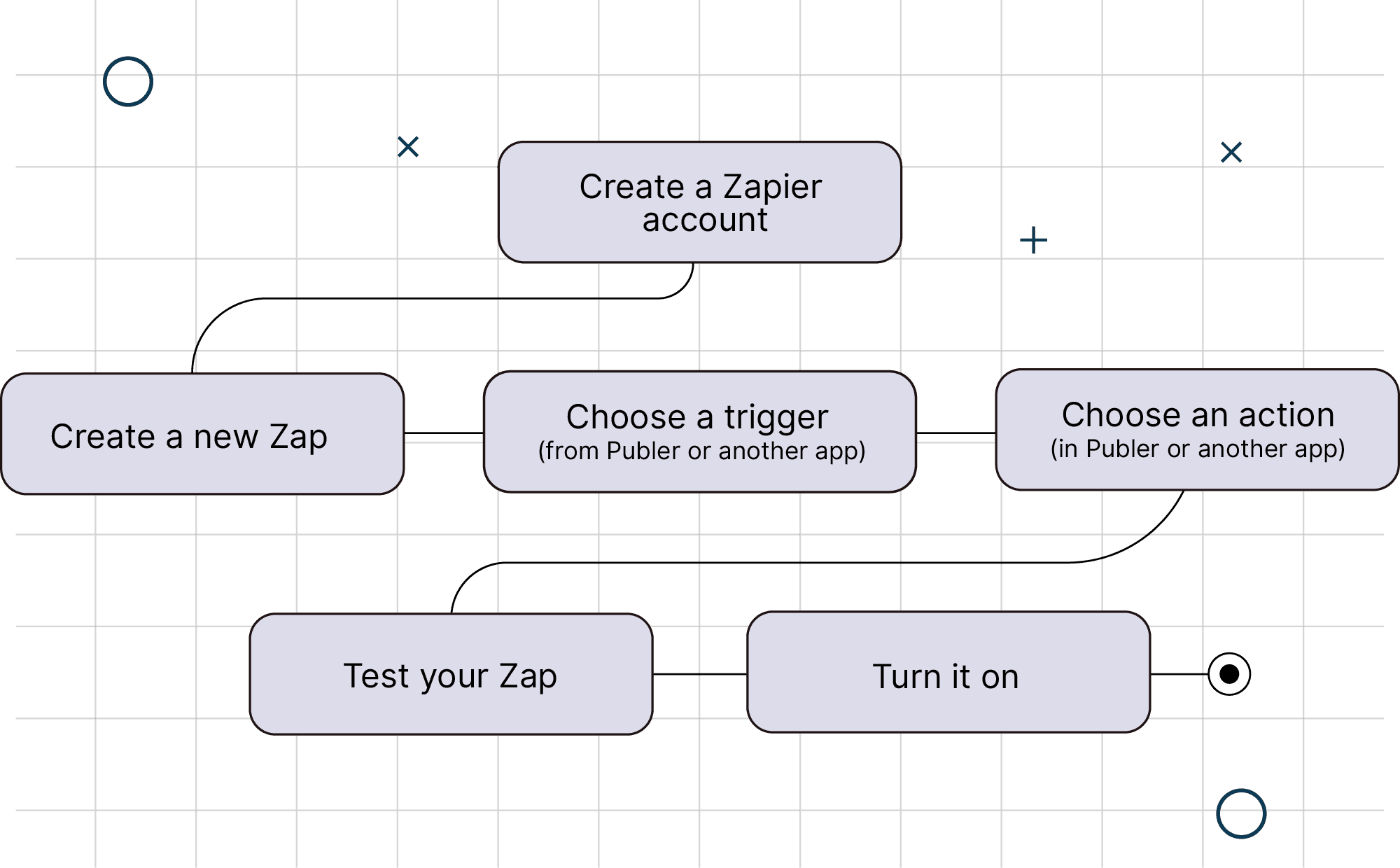
Your first automation takes just a few steps:

Create a Zapier account, set up a new Zap, choose a trigger (from Publer or another app), select an action (in Publer or another app), test your Zap, and turn it on. Once enabled, your automation runs automatically in the background until you edit or pause it.

Your first automation takes just a few steps:

Create a Zapier account, set up a new Zap, choose a trigger (from Publer or another app), select an action (in Publer or another app), test your Zap, and turn it on. Once enabled, your automation runs automatically in the background until you edit or pause it.

Get Started With Publer Triggers

Here's where the fun starts. Explore the Publer triggers to start your automation.

Here's where the fun starts. Explore the Publer triggers to start your automation.

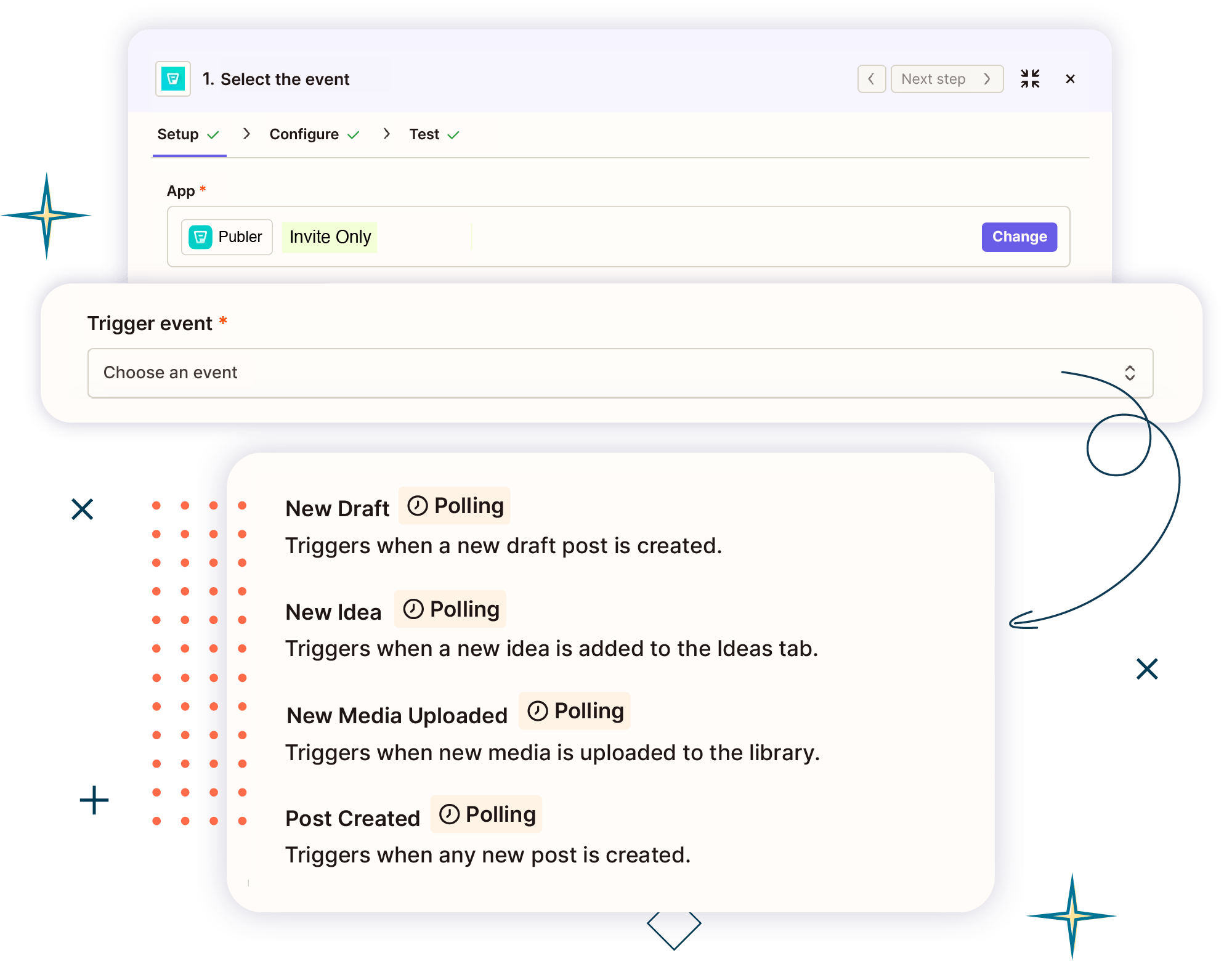
Content & Planning

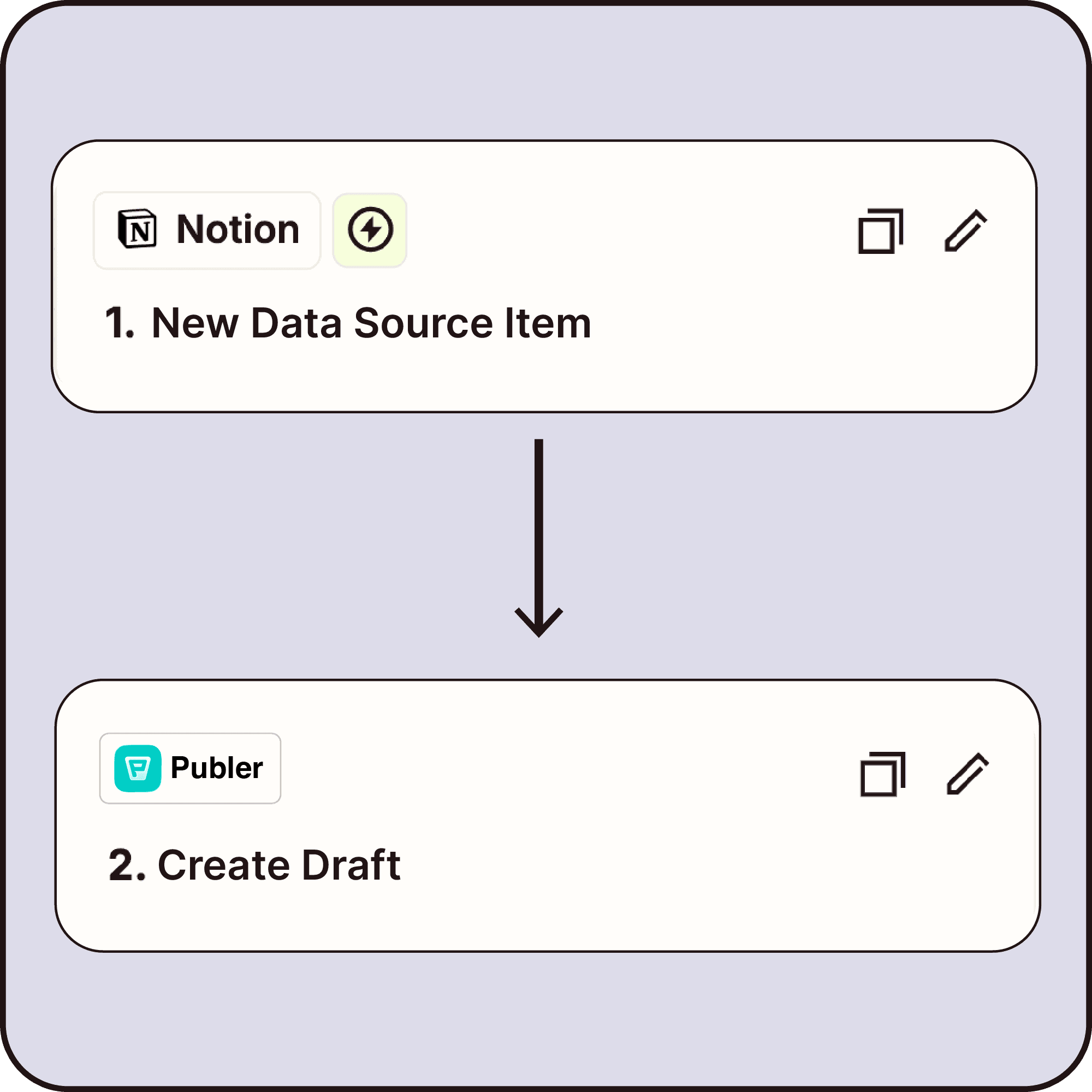
Trigger automations when new content is created or updated in Publer, from drafts to actual posts.
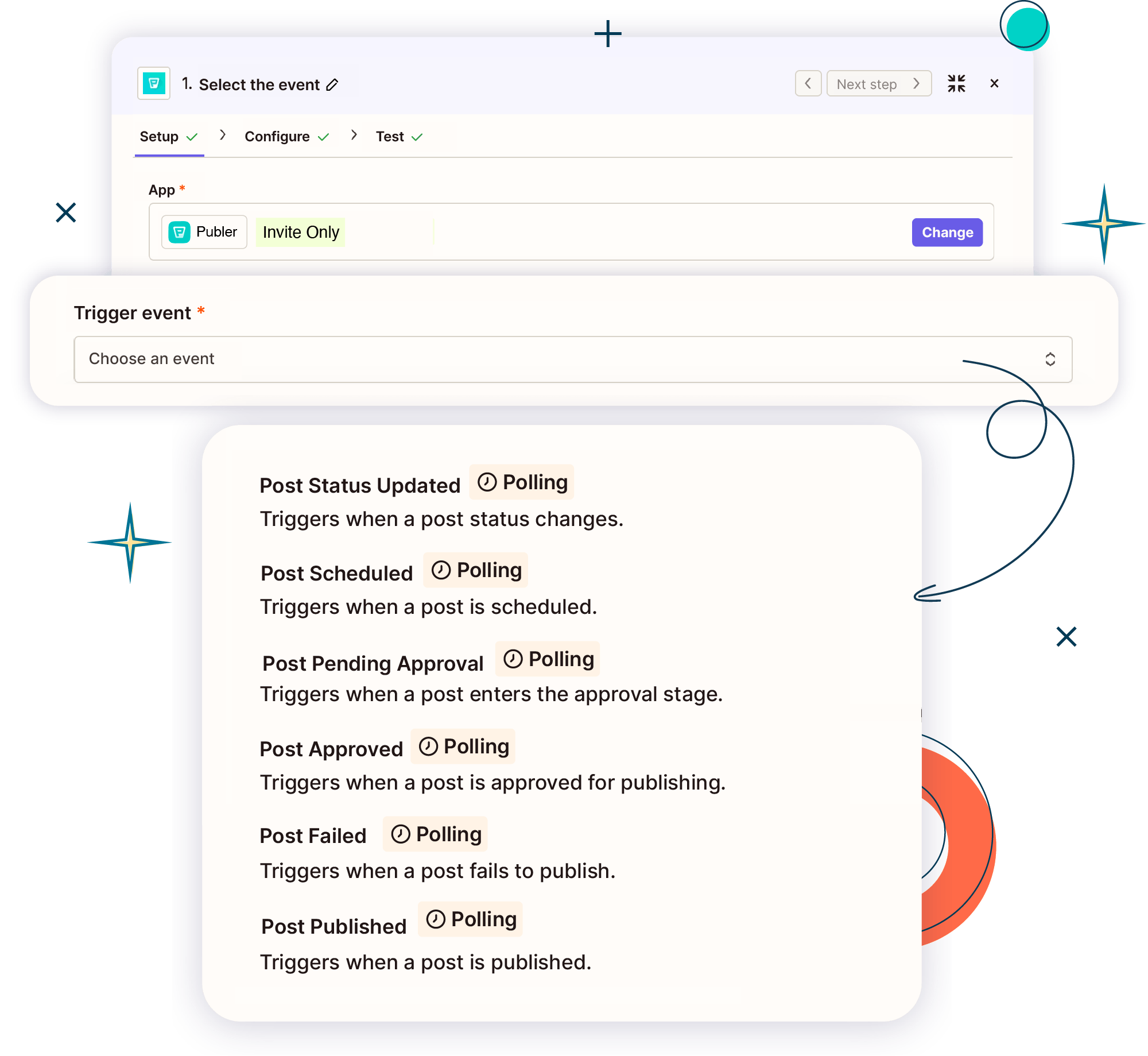
Publishing Workflow

Get notified and react automatically as posts move through your workflow, from status updates to approvals and publishing.

Publishing Workflow

Get notified and react automatically as posts move through your workflow, from status updates to approvals and publishing.

Analytics & Performance

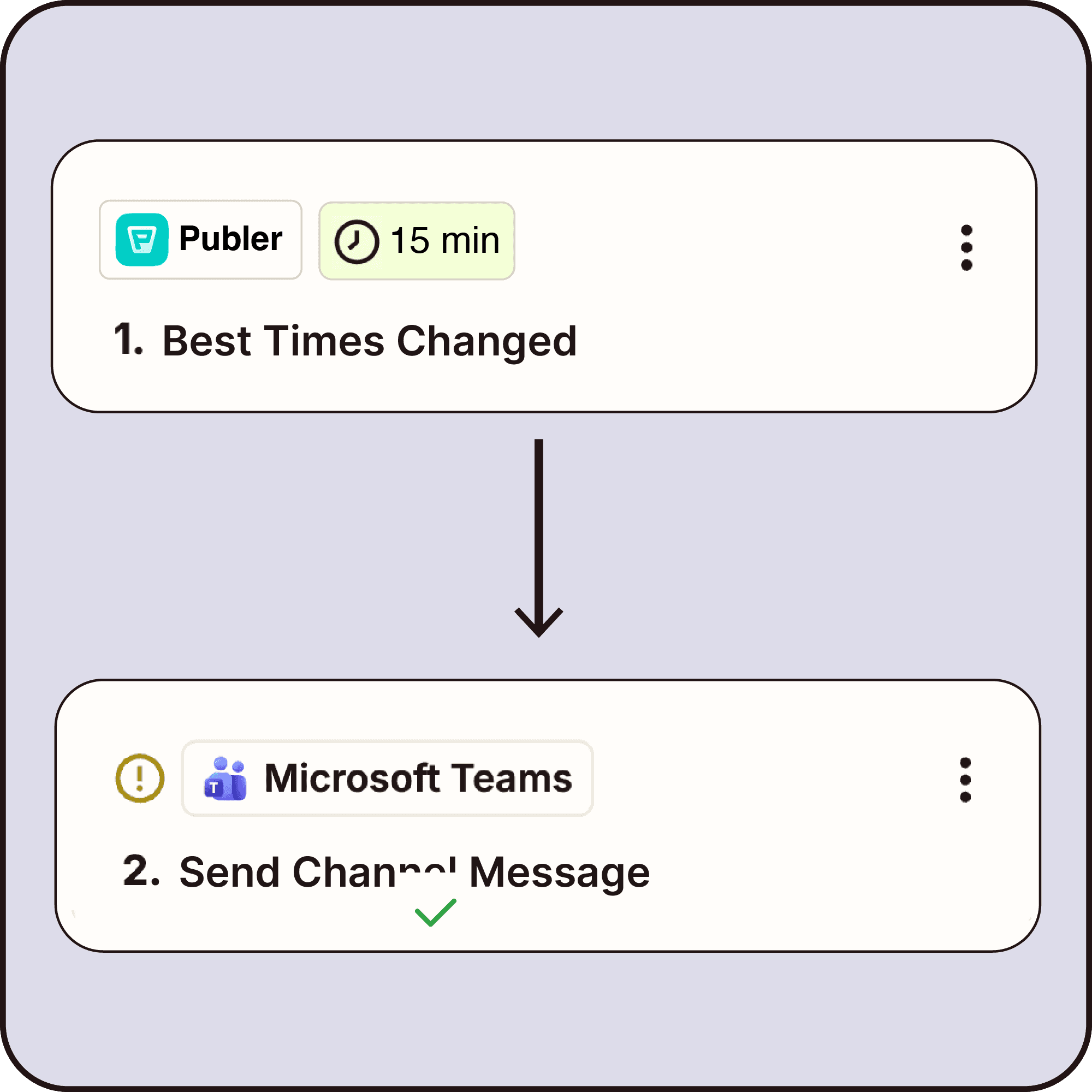
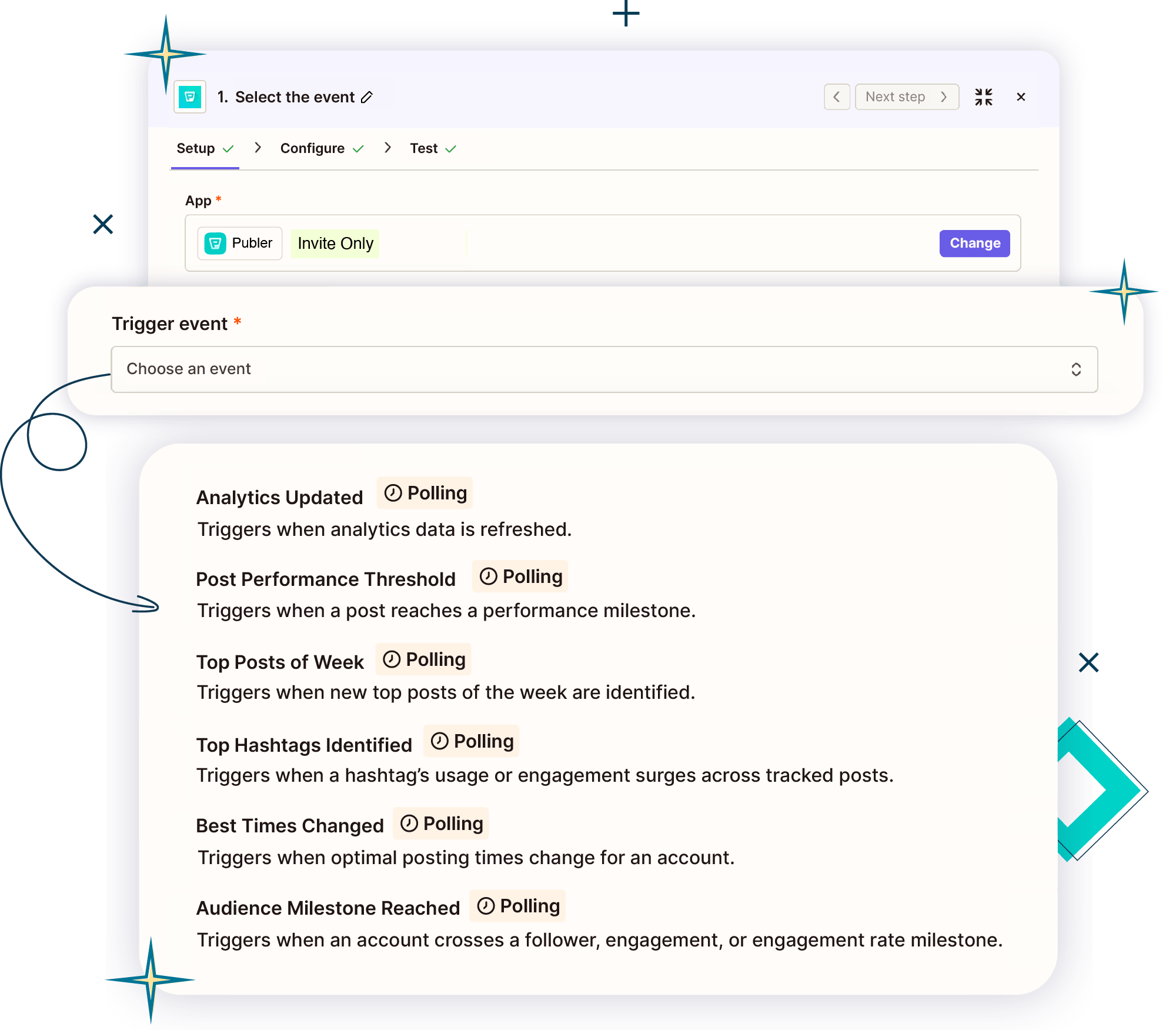
Turn performance insights into automatic actions: get notified when analytics update, top posts or hashtags emerge, best times change, or milestones are reached.
Media & Assets

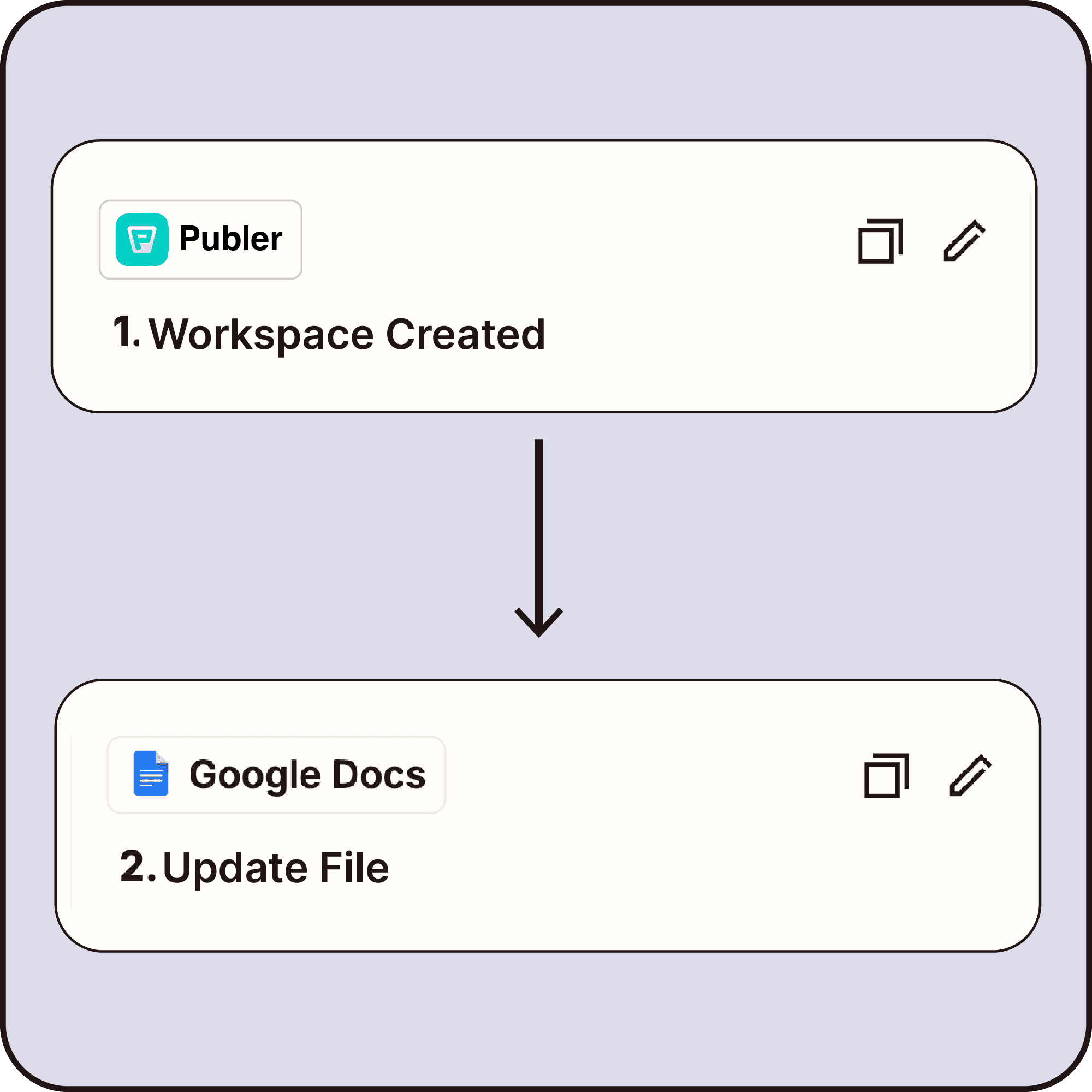
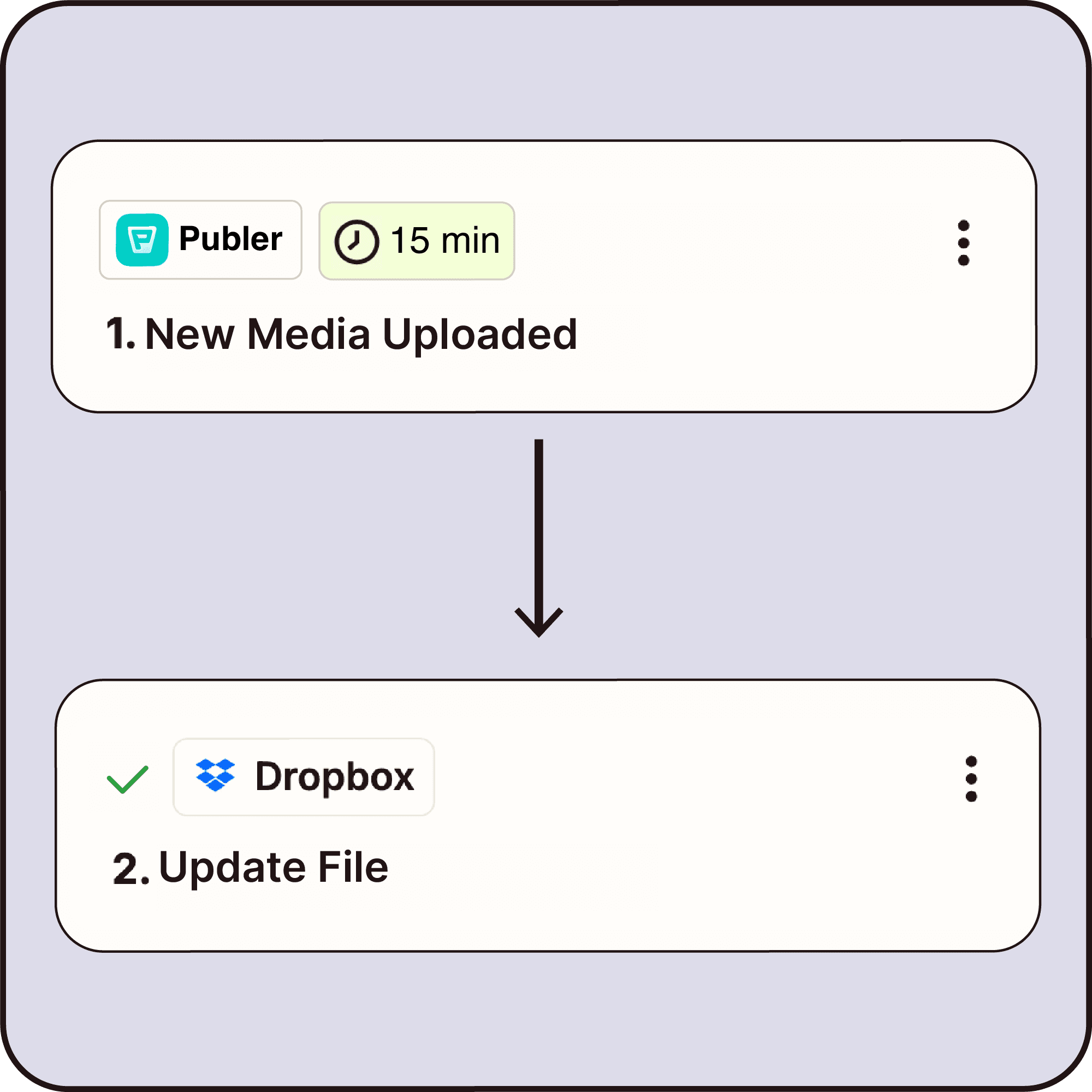
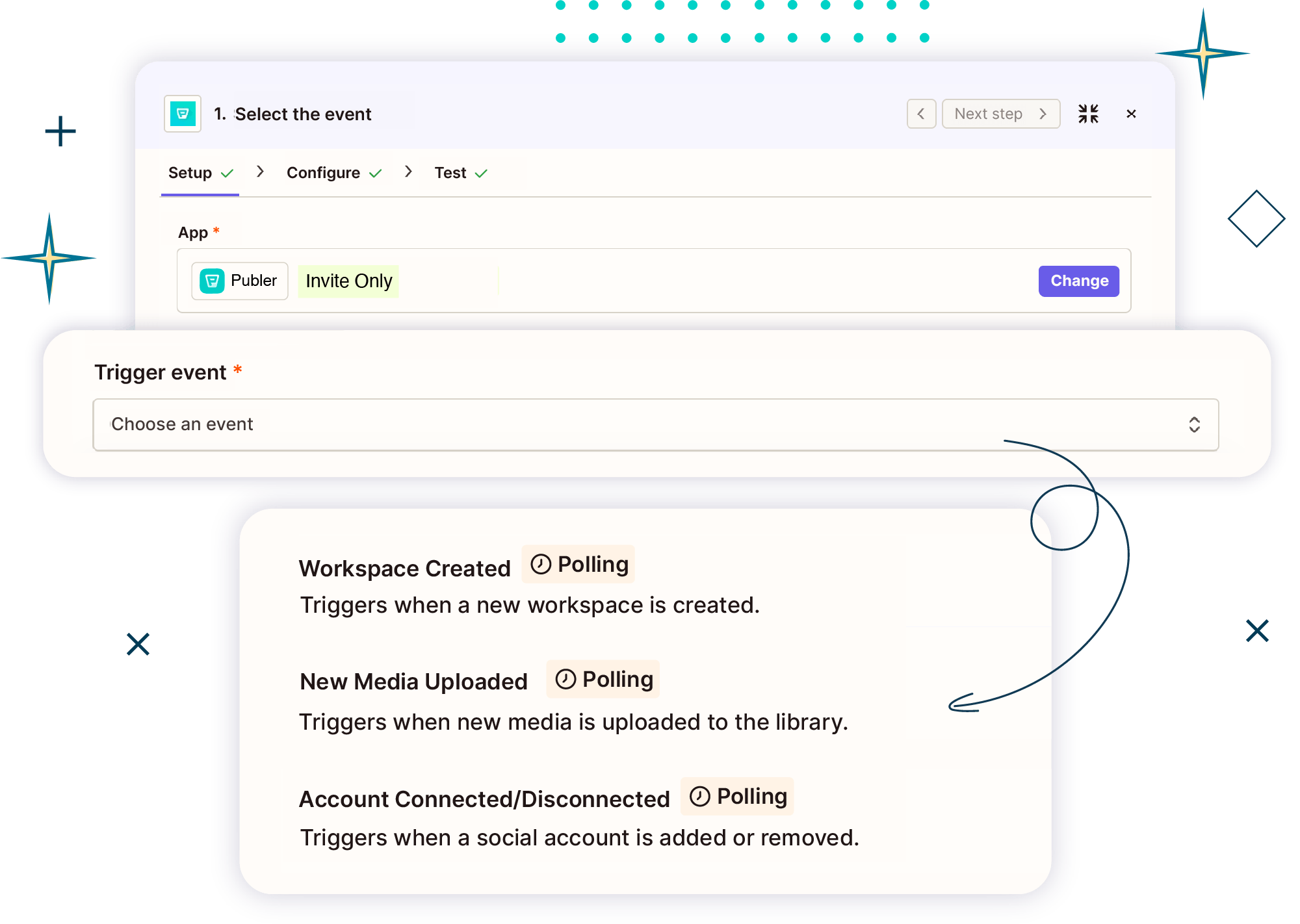
Automate what happens when files are uploaded or when workspaces and accounts change.

Media & Assets

Automate what happens when files are uploaded or when workspaces and accounts change.

Teams & Competitors

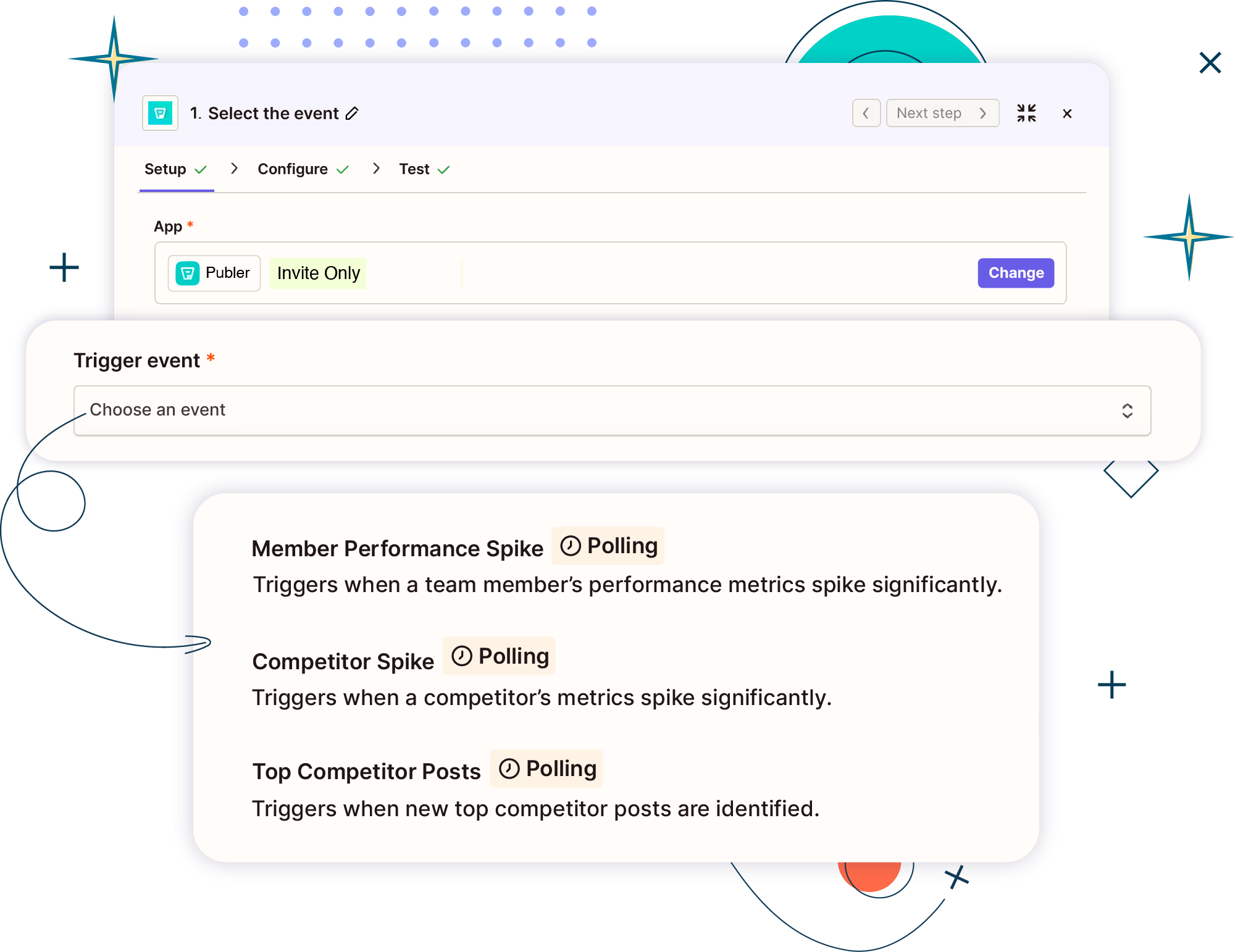
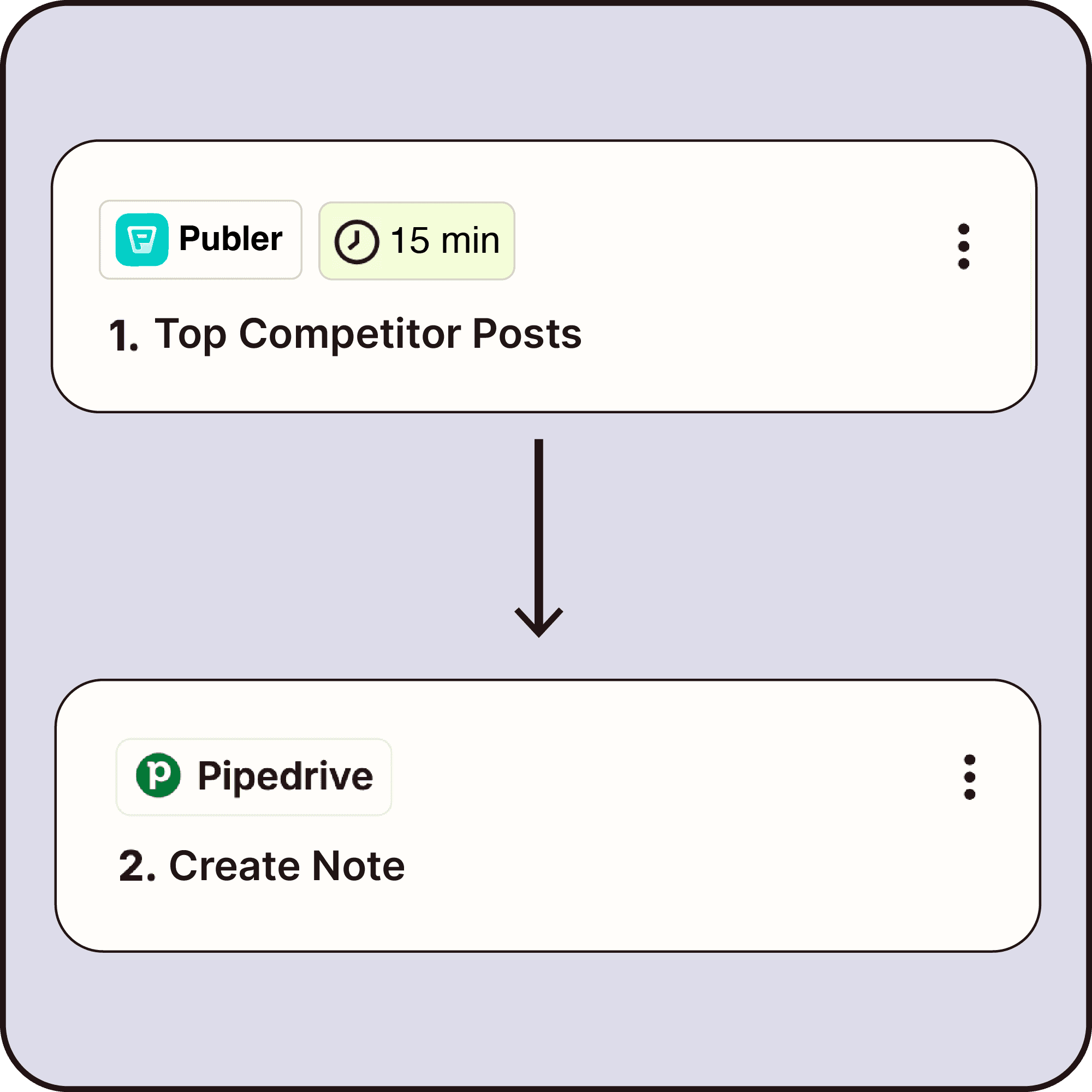
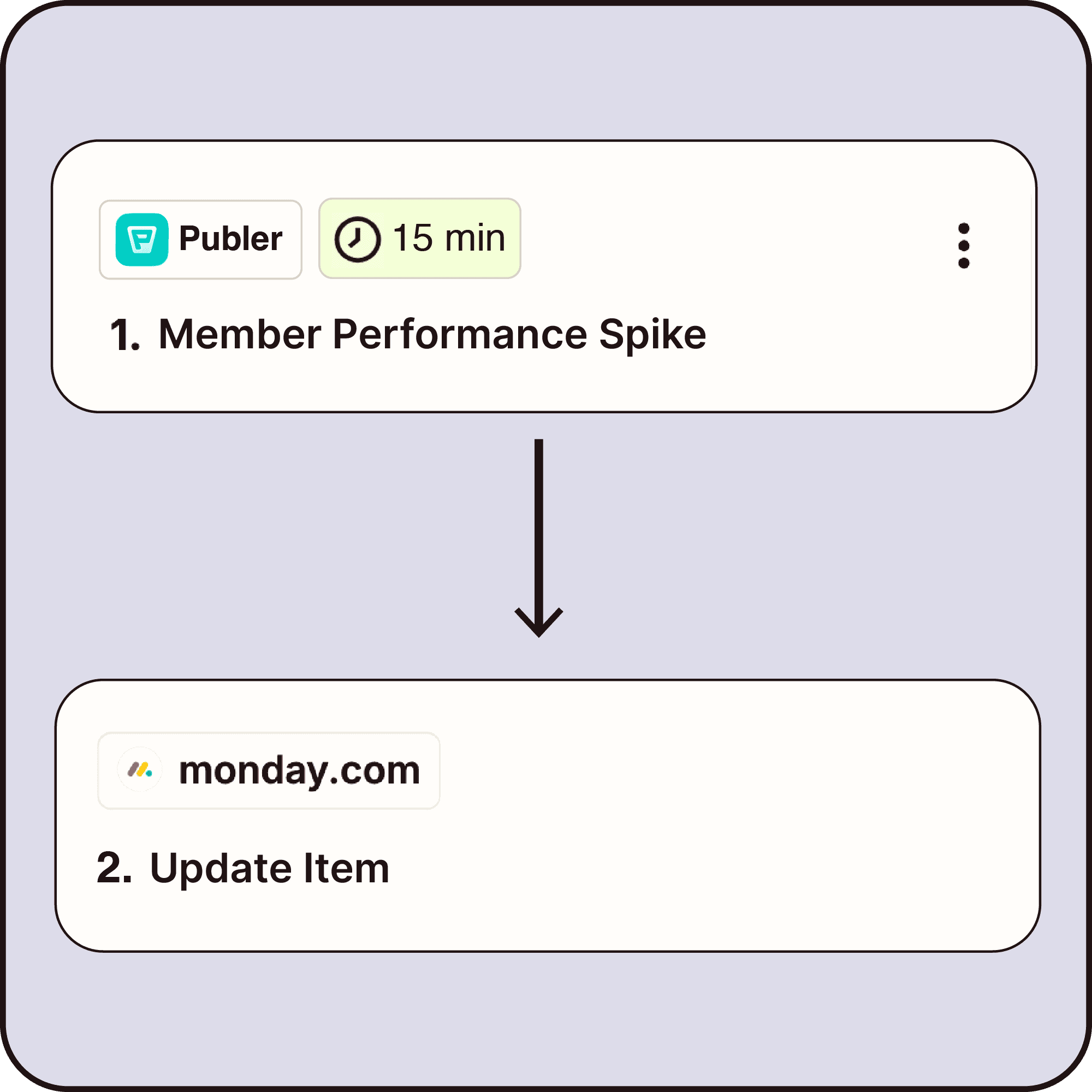
Monitor team and competitor performance automatically with triggers like member activity spikes, competitor performance changes, and top competitor posts.

Teams & Competitors

Monitor team and competitor performance automatically with triggers like member activity spikes, competitor performance changes, and top competitor posts.

Teams & Competitors

Monitor team and competitor performance automatically with triggers like member activity spikes, competitor performance changes, and top competitor posts.

Wrap Up With
Publer Actions
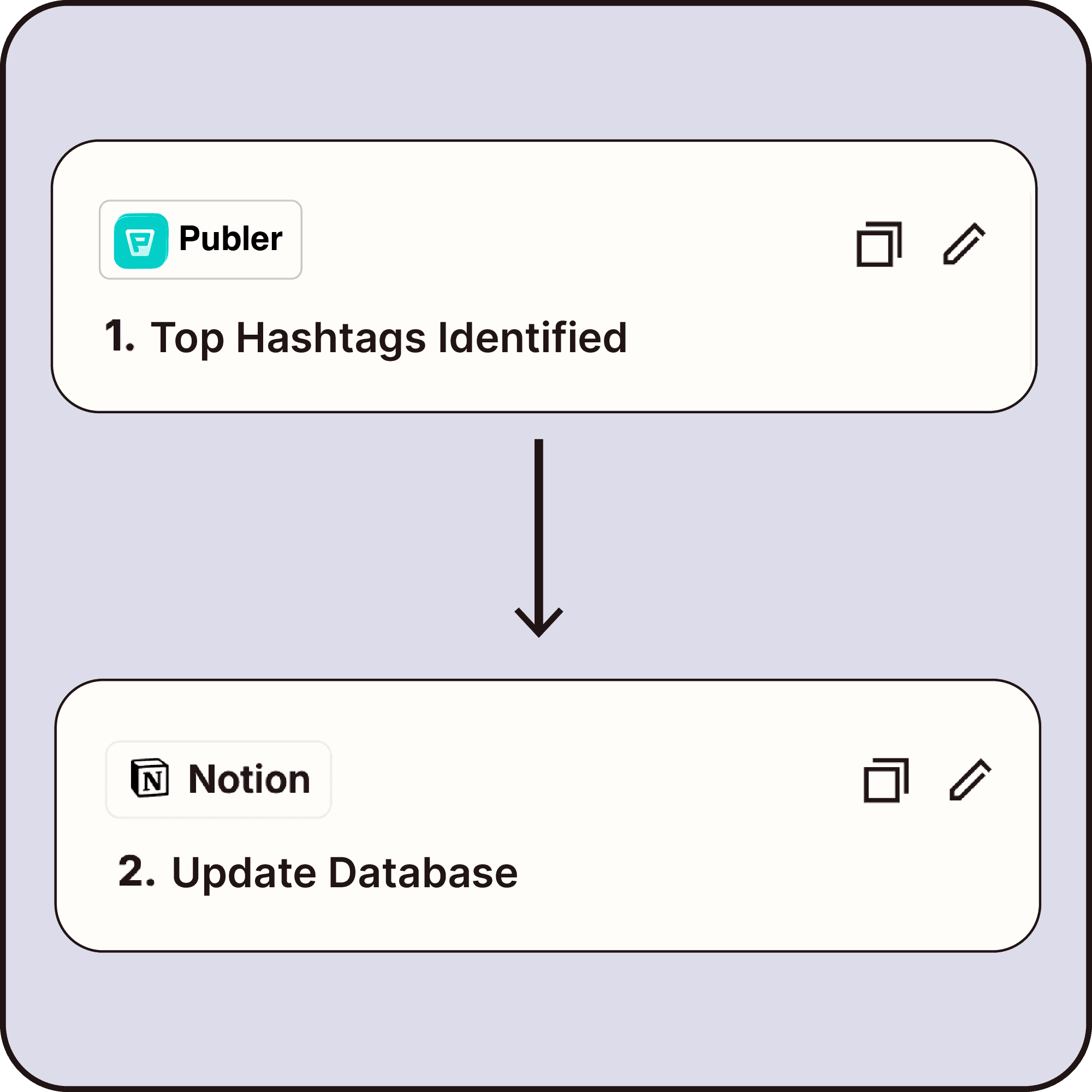
Let Publer act automatically inside your workflows.

Manage and grow multiple Facebook Pages, Groups, and Personal Profiles from one single dashboard.

Content & Publishing

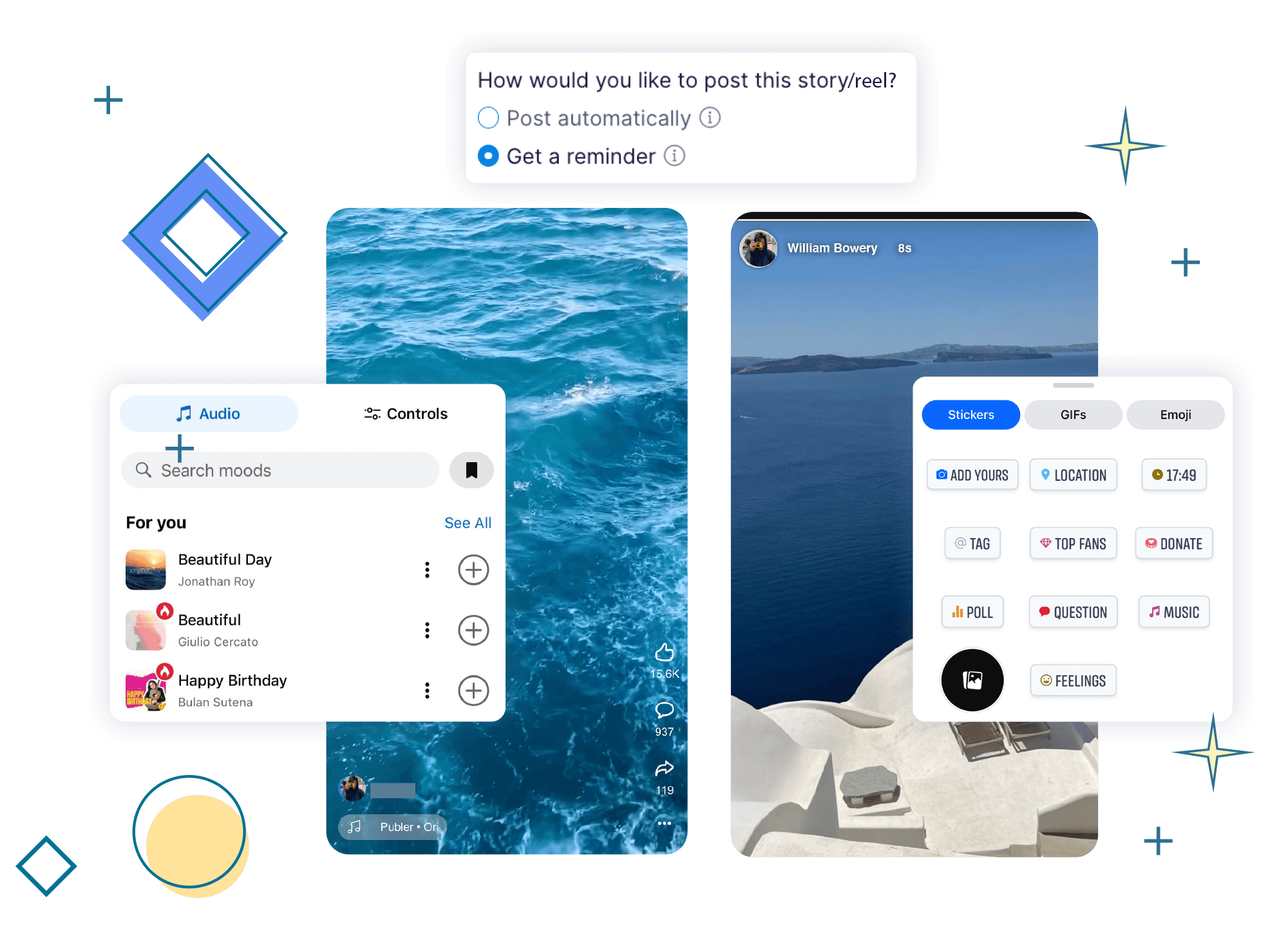
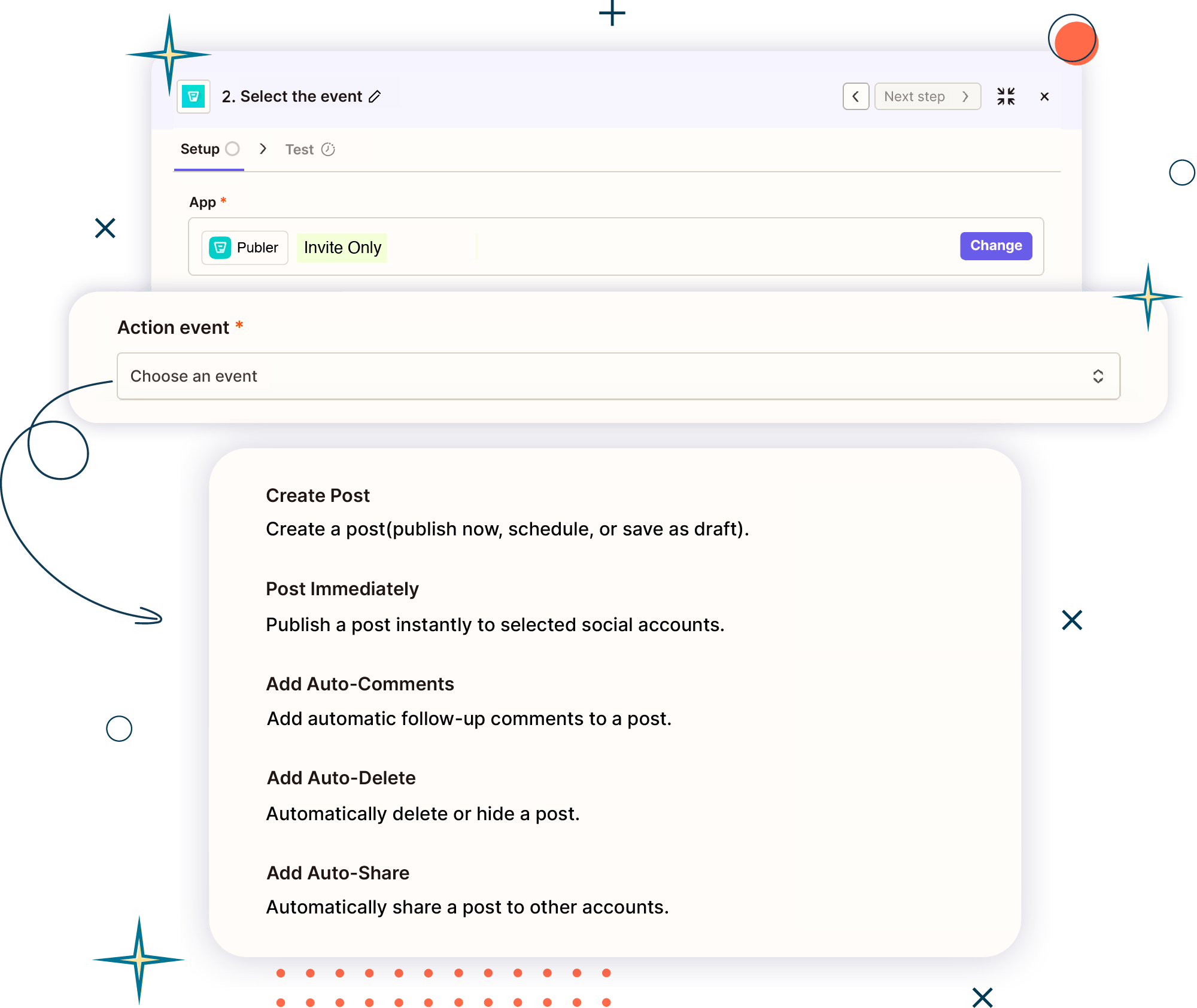
Automatically create, schedule, and publish posts in Publer, or auto-comment, share, and delete.

Content & Publishing

Create and schedule Facebook text posts

with backgrounds to make your updates

stand out. Share your questions, statements,

or status updates with your choice of colors.

Analytics & Reporting

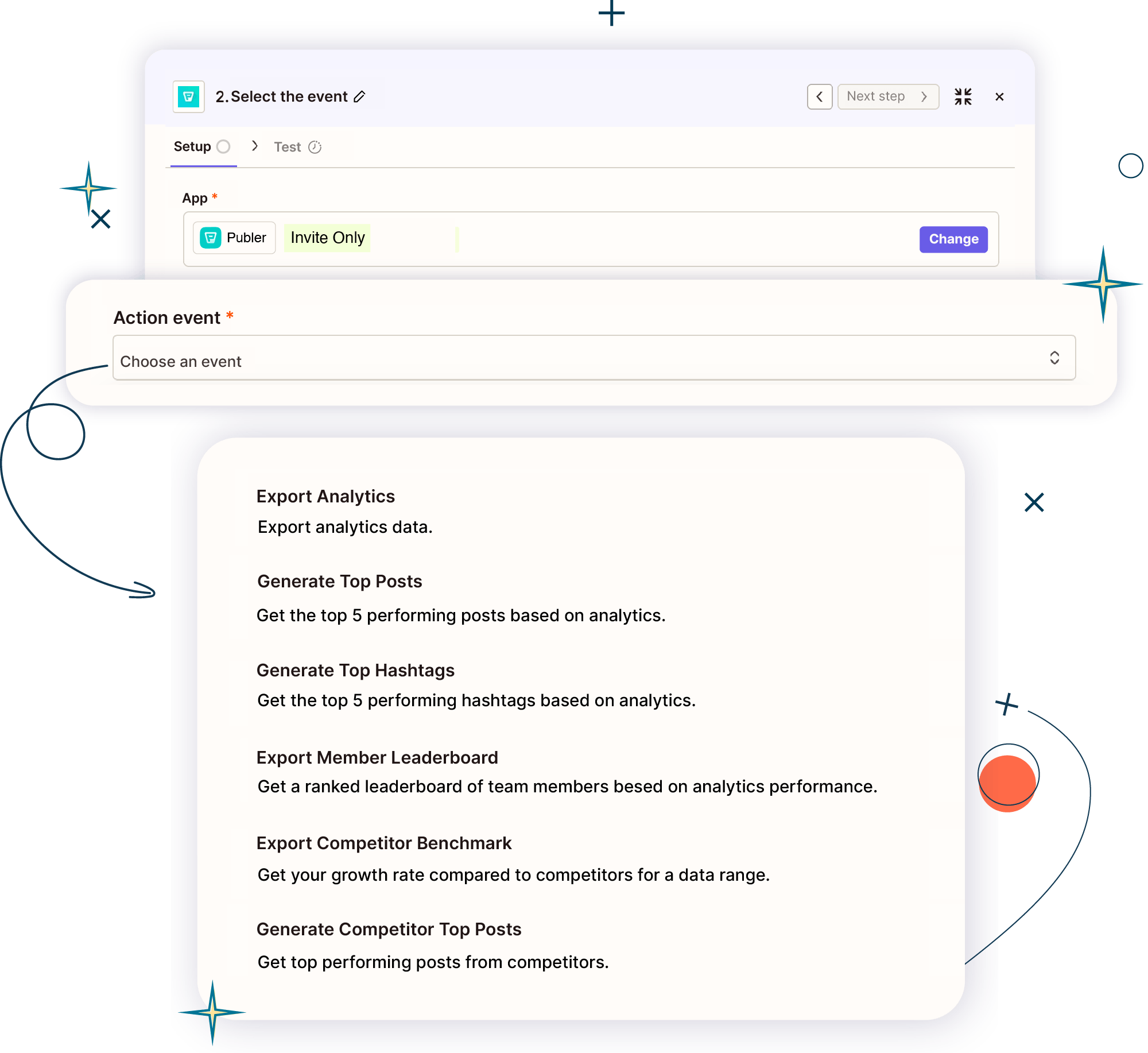
Automatically generate and export performance insights, from top posts and hashtags to leaderboards and competitor benchmarks.

Analytics & Reporting

Automatically generate and export performance insights, from top posts and hashtags to leaderboards and competitor benchmarks.

Media & Library

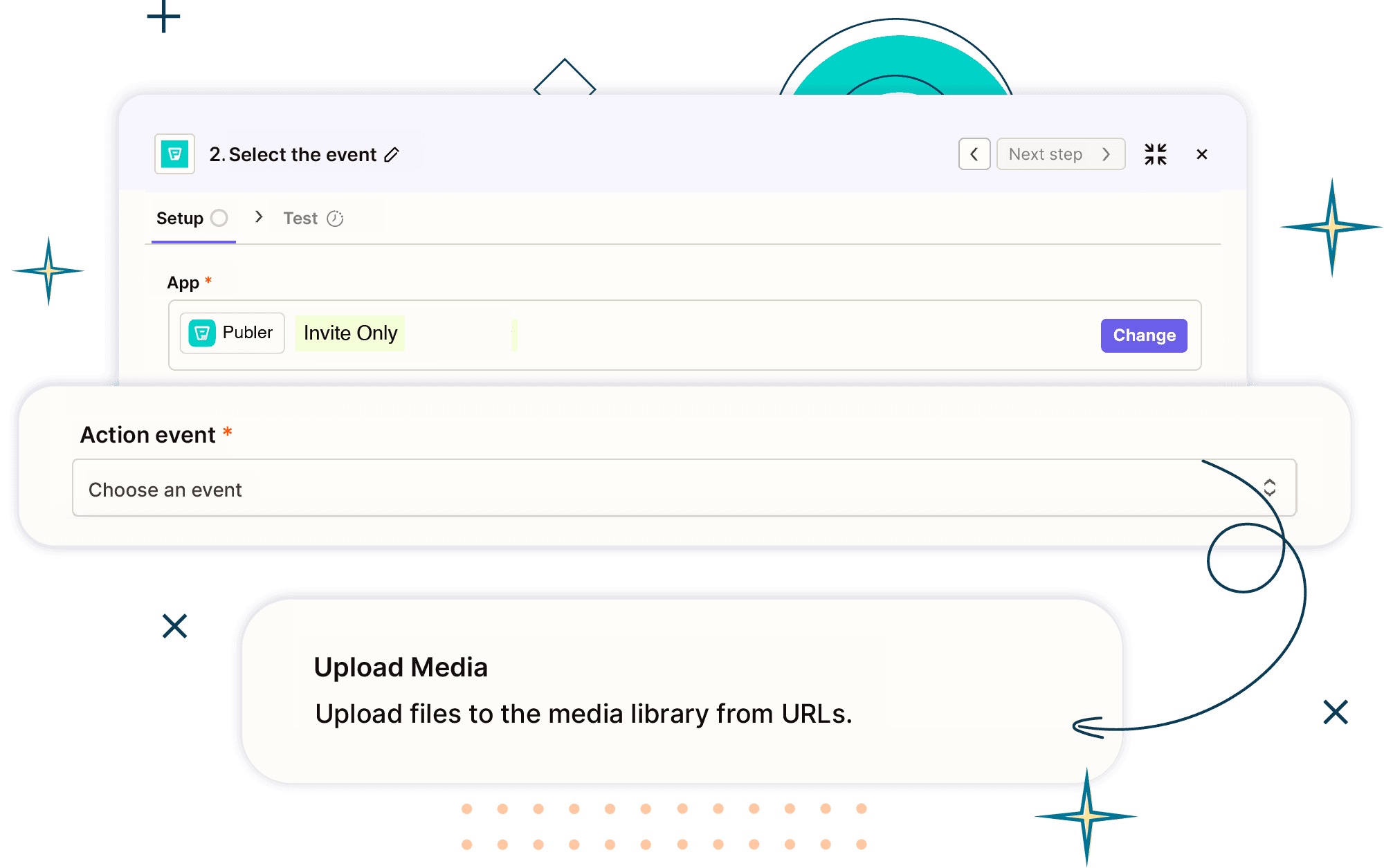
Automatically upload and organize and your media assets with designated folders.

Media & Library

Automatically upload and organize and your media assets with designated folders.

Media & Library

Automatically upload and organize and your media assets with designated folders.

Popular Use Cases

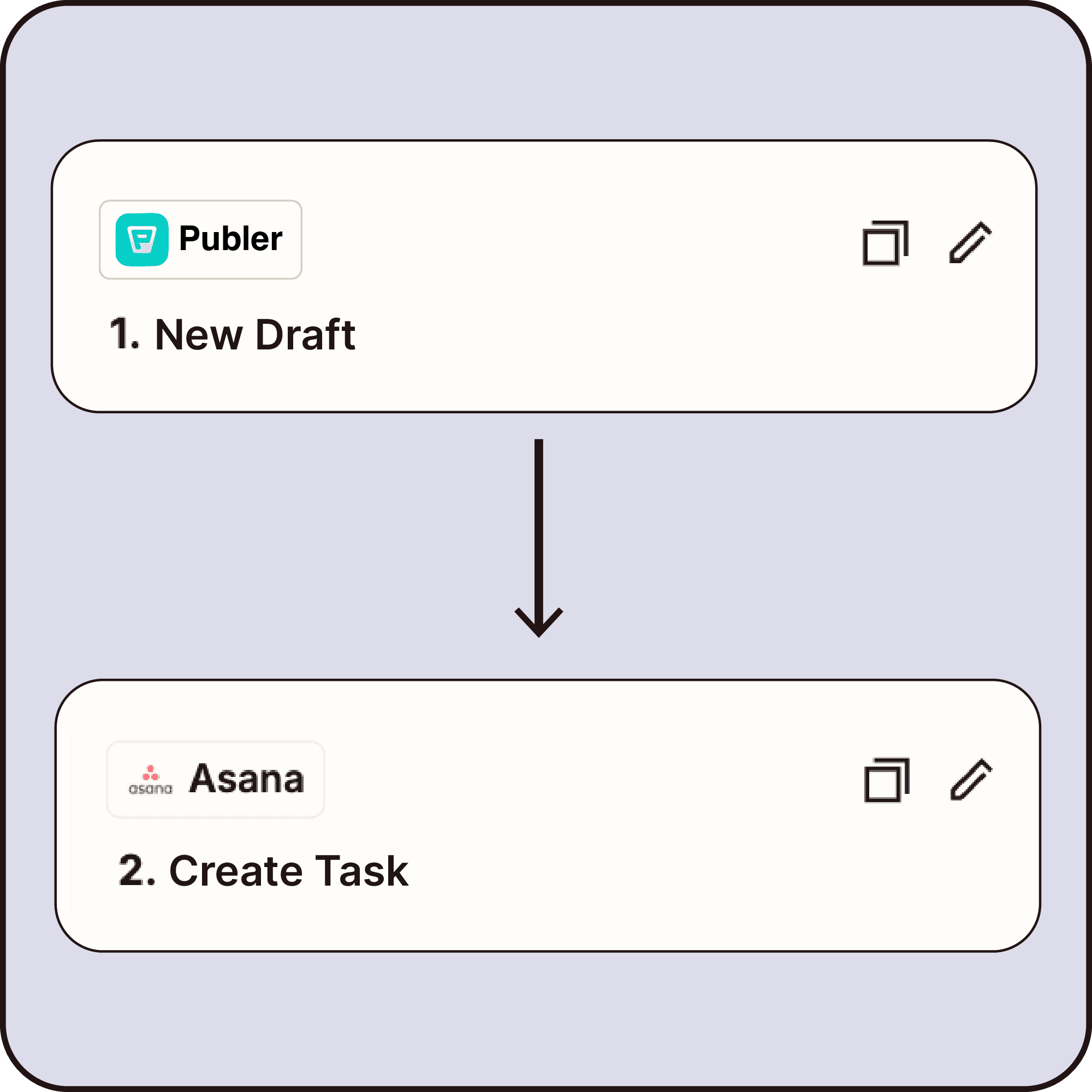
Teams use Publer + Zapier to auto-publish, schedule from notes, notify teams, create tasks, export analytics, and reshare top posts.

Teams use Publer + Zapier to auto-publish, schedule from notes, notify teams, create tasks, export analytics, and reshare top posts.

Start Automating With Zapier!

Got questions?

We got answers.

Got questions?

We got answers.

What is the Publer × Zapier integration?

The Publer × Zapier integration lets you connect Publer with thousands of other apps so you can automate your social media workflow. With this integration, events in Publer can trigger follow-up actions on other apps or other tools can trigger actions inside Publer, all without writing code.

What types of triggers can I use in Publer?

Publer offers 22 triggers that cover the full social media lifecycle, including: Content creation (ideas, drafts, posts), Publishing and approvals, Media uploads, Analytics updates. Performance milestones, Competitor and team activity. These triggers let you automate workflows from planning to publishing to reporting.

What types of actions can I use in Publer?

You can automate actions across content, analytics, and media. Content & Publishing: Create, schedule, publish, comment, or delete posts Analytics & Reporting: Generate insights, export data, track performance Media & Library: Upload and organize media automatically All designed to streamline your workflow end-to-end.

Can I automate post approvals and publishing?

Sure. You can automate approval-based workflows with triggers like: Post pending approval Post approved Post scheduled Post published or failed For example, you can automatically publish a post once it’s approved or notify your team if a post fails to publish.

Do I need technical skills or coding knowledge to use Zapier with Publer?

No. You don’t need technical skills, development knowledge, or automation experience. Once you set up your Zapier account, when you go to create a zap, you simply choose a trigger, select an action, and Zapier handles the rest in the background.

Can Publer x Zapier automation help with analytics and reporting?

Absolutely. With the Publer × Zapier integration, you can: Export analytics reports automatically Generate top posts or hashtag reports Track audience milestones React to performance thresholds Monitor changes in best posting times

Are there ready-made automation templates?

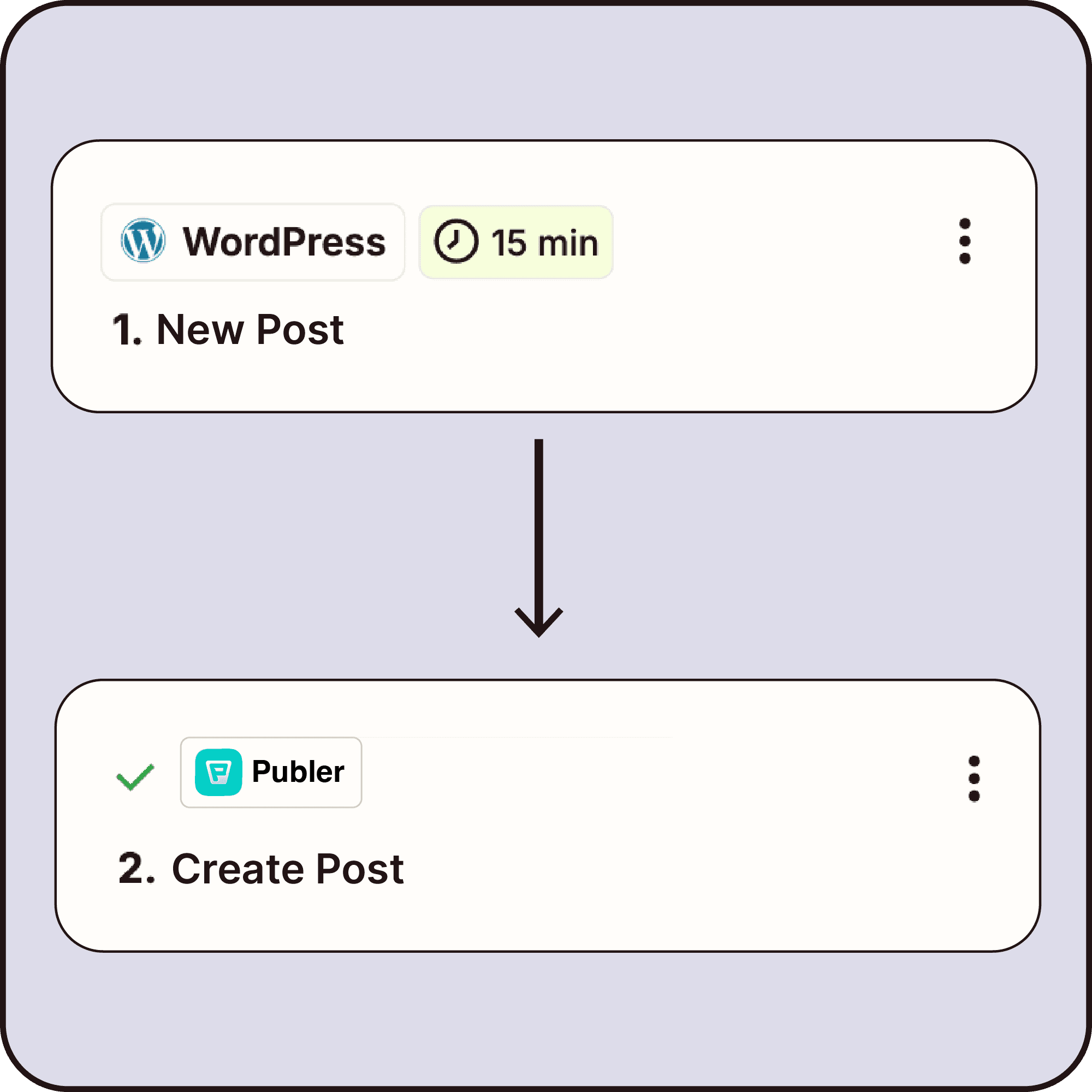
Yes. You can start quickly with ready-made templates such as: New blog post → create social post RSS feed → schedule posts New Google Sheets row → create post Post published → notify Slack or Discord Analytics updated → export to Google Sheets Post approved → publish instantly Post hits engagement goal → auto-share You can use a template or combine many as your workflow grows.

Hear it straight from our users!

Read real reviews from satisfied users who have transformed their social media presence through Publer.

Hear it straight

from our users!

Read real reviews from satisfied users who have transformed their social media presence through Publer.

Hear it straight from our users!

Read real reviews from satisfied users who have transformed their social media presence through Publer.