

Instagram introduced Trial Reels in December 2024, a new type of Reel designed to help creators and businesses test content and reach new audiences at the same time.
Unlike regular Reels, Trial Reels are first shown only to people who don’t follow you. This creates a low-pressure space to experiment with ideas, formats, hooks, and videos, while still giving you guaranteed exposure beyond your existing audience.
Now, you can schedule Instagram Trial Reels directly with Publer, making it easier to test consistently, learn faster, and turn winning content into real growth.
In this blog, you’ll learn how to:
- Understand what Instagram Trial Reels are and how they work
- Schedule Trial Reels automatically with Publer
- Add trending sounds at publish time using push notifications
- Repurpose existing content into Trial Reels
- Make quick edits with Publer’s built-in editor
- Track performance and decide what to scale
- Turn Trial Reels into a repeatable growth system
Let’s dive in.

What Are Instagram Trial Reels?
Instagram Trial Reels are Reels that are initially distributed exclusively to non-followers.
The idea behind them is simple:
- You publish a Reel as a Trial
- Instagram tests it with new audiences
- You review performance based on views and engagement
- You decide whether or not to add it to your profile as a regular Reel (so your own audience can see it)
Trial Reels were introduced to encourage experimentation without the fear of posting something that might not resonate with your current audience.
But in practice, they offer something more powerful: a built-in discovery channel.
Every Trial Reel is intentionally pushed to people who don’t know you yet. That means testing and growth happen at the same time.
Instead of:
“Let me test this and then grow”
Trial Reels allow:
“Let me test by growing… and grow further”
This makes them one of the few places on Instagram where experimentation and discovery overlap by design. To learn more about what Trial Reels are and how you creators are using them to grow on Instagram, check out this in-depth guide.

Why Scheduling Trial Reels Matters
The real advantage of Trial Reels comes from consistency.
Posting one Trial Reel occasionally won’t move the needle much. But testing multiple ideas over time (formats, sounds, angles, pacing) quickly reveals patterns.
With Publer, you can schedule Trial Reels just like regular Instagram Reels, so experimentation doesn’t depend on daily manual posting.
Scheduling helps you:
- Test more ideas with less effort
- Stay consistent without being glued to Instagram
- Turn experimentation into a repeatable workflow
How to Schedule Instagram Trial Reels With Publer
If you’re new here, Publer is a social media management and scheduling tool built for creators, marketers, and businesses who want to plan, publish, and analyze content across multiple platforms from one place. With Publer, you can schedule Instagram Reels, posts, carousels, stories, and now Trial Reels.
Scheduling a Trial Reel with Publer is very simple and similar to scheduling a normal Reel:
Once you have signed up for free and connected your Instagram account, you can:
- Go to the Create tab and select your Instagram account

- Upload a video or select one from your Media Library

- Add your caption and hashtags and turn on the “Post as Trial Reel” toggle

- (Optional) Enable automatic sharing to your feed. When turned on, Publer will automatically publish a Trial Reel to your profile once it performs well.

- Finally, hit “Save” and schedule your Trial Reel by picking your desired date and time
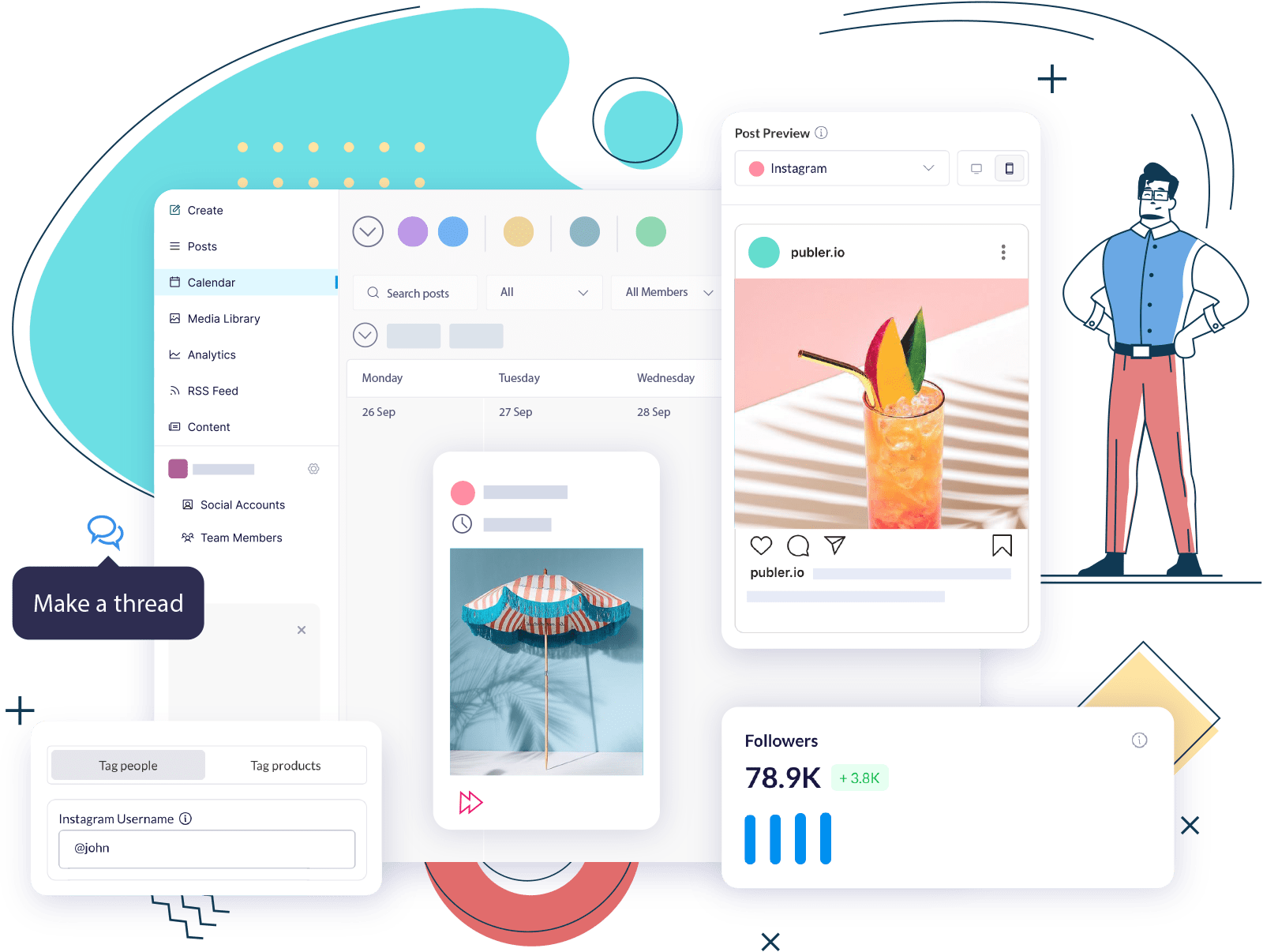
- Your Trial Reel will appear on your calendar. That way you and your team can visualize your Trial Reels strategy and make changes to your scheduled Trial Reels before going live.

Instead of remembering to post manually, your Trial Reels run automatically in the background.
PS: Just like with normal Reels, you can also choose a thumbnail for your Trial Reel before it goes live.

Extra Option: Add Trending Sounds with Push Notifications
Want to use the latest trending sounds? Push notification scheduling using Publer’s mobile app lets you plan your Trial Reels ahead of time while still adding trending sounds manually at publish time.
When it’s time to post, you’ll receive a notification from Publer with everything ready: your video is already downloaded, and your caption and hashtags are copied. Simply open Instagram, upload the downloaded video, paste the caption and select a trending sound before publishing.
This is especially useful because:
- Trending sounds help Trial Reels feel timely and perform better
- Instagram requires sounds to be added at publish time
- Trends evolve quickly, making early scheduling risky
It also makes it easy to test the same video with different sounds, another layer of experimentation.

Repurpose Existing Content for Trial Reels
Because Trial Reels are shown only to non-followers, they’re ideal for repurposing content.
With Publer, you can:
- Reuse older Instagram Reels
- Repurpose YouTube Shorts
- Repost TikToks
- Turn story videos into Trial Reels
If you’re reusing older Instagram Reels, small edits are recommended to avoid potential duplicate content issues that might lower reach. Even minor changes can give content a fresh chance to perform.
Repurposing lets you increase testing volume without increasing production time, while still reaching new audiences.

Make Quick Edits with Publer’s Built-In Editor
Before scheduling a Trial Reel, you can make quick edits directly inside Publer with our built-in Video Editor.
You can:
- Trim videos
- Adjust aspect ratios/sizing
- Add text & stickers
- Add filters
This is especially helpful when testing multiple versions of the same video or refreshing older Reels before reposting them as a Trial.

Monitor Performance & Decide What to Share on Profile
If you’ve enabled automatic sharing, Publer will add a Trial Reel to your profile automatically when it performs well.
If not, you can still use Publer Analytics to:
- Monitor Trial Reel performance in real time
- See which videos resonate most
- Decide whether to share a Trial Reel on your profile (this step is done natively on Instagram)
You stay fully in control of what gets scaled and when.

How to Scale High-Performing Trial Reels
Many creators opt to convert a successful Trial Reel directly into a regular Reel on Instagram. In practice, this doesn’t always deliver the best results.
According to Instagram experts and creators, posting the video as a new Reel often performs better.
Why:
- New Reels appear at the top of your profile and appear as new post
- Converted Trial Reels keep their original publish date and may appear buried on your profile
Since the video already performed well with non-followers, it often has strong potential to perform well again with your audience.
With Publer, this is easy:
- Find your previously published Trial Reel on your Calendar or in the Analytics tab.
- Tap “Reuse”
- Make small edits if needed
- Schedule it as a regular Reel at the optimal time. Voila!

Get Trial Reel Ideas From Competitors
With Publer’s Competitor Analysis, you can view all the posts (including Trial Reels) published by your competitors and other creators on Instagram. Simply add them as your Instagram competitors and voilà.
While Trial Reels aren’t labeled publicly, seeing all their Reels makes it easy to:
- Spot repeated or experimental content
- Compare what appears on competitors’ profiles vs. what you see on Competitor Analysis on Publer
- Identify formats, hooks, or ideas worth testing yourself
This helps you approach Trial Reels more strategically and schedule your own tests in Publer with clear intent.

Turn Trial Reels Into a Growth System With Publer
Trial Reels give you a rare opportunity on Instagram: a way to experiment while consistently reaching new audiences. Trial Reels deliver the most value when treated as a system, not a one-off feature.
Scheduling them with Publer helps you:
- Test ideas consistently
- Learn what works faster
- Grow your reach without extra effort
- Build a structured workflow for experimentation and scaling
Instead of guessing what to post, you create a cycle of:
test → learn → scale → repeat.
Excited? Log in to Publer and schedule your first Instagram Trial Reel today.
Get Started With Publer For Free!
Or upgrade your plan starting at only $5/month!
Free trial included!
Other updates you might have missed:
Plan, collaborate, and turn ideas into posts in one place with Publer’s Ideas Tab
The Best Way to Store and Manage Your Social Content in 2026 – Now With Folders
Schedule threads for X (Twitter), Threads App, Mastodon & Bluesky at once with Publer
Publer AI Now with Brand Voices and Analytics Fueled Answers
New Photo & Video Editor Inside Publer
Schedule polls for LinkedIn, X/Twitter, and Mastodon

Tea Hysenshahaj