

You know that moment when you’re ready to post…
and you know you made the perfect image…
but you have absolutely no idea where you saved it?
Yeah. Same.
That’s exactly the problem we wanted to leave behind in 2025.
So we built a better way to store and organize your social media images and videos: Folders inside Publer’s Media Library.
Think of folders as a simple way to keep your content in order, so everything is easy to find when you need it. No more digging for that “final_final_v3.png”.

Meet folders in Publer’s Media Library
Folders let you organize your content in your own way. You can group your images and videos by:
- brand
- campaign
- content type
- or even by the way you work
And because content adds up fast, you’re not limited.
You can:
- create unlimited folders
- create folders inside folders (nested folders)
- move files or entire folders to other folders
- name and rename folders however you want
As your library grows, your structure can grow with it.

Wait, what is Publer’s Media Library?
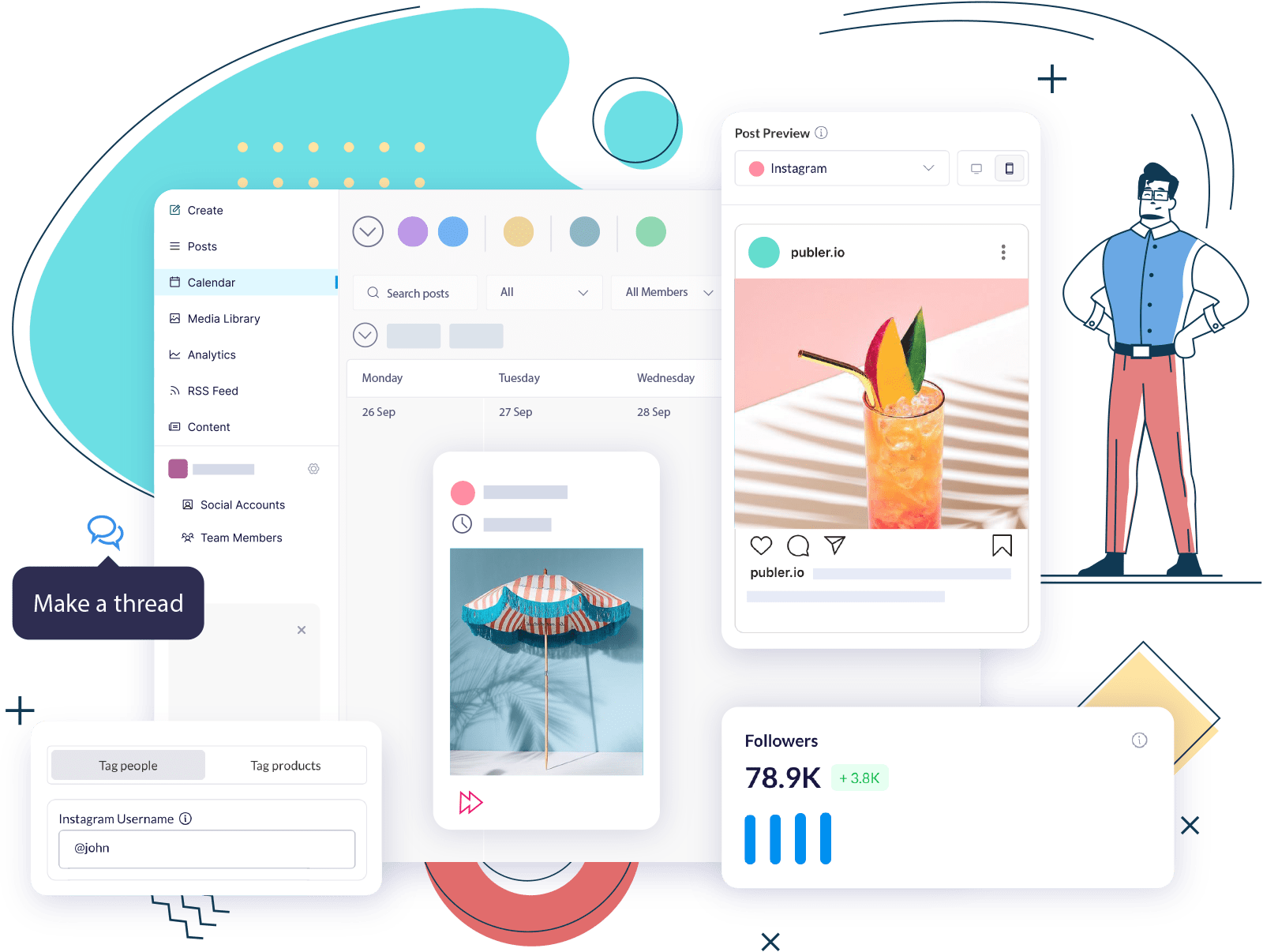
If you’re new, Publer is a social media management platform that helps you build and manage an online presence across 13 social media networks, from creating content, to scheduling posts, tracking performance, and collaborating with your team.
The Media Library is just one piece of the puzzle. Think of it as your social content hub.
It’s the place where everything lives before it gets published. Or even after, for repurposing.
Inside Publer’s Media Library, you can:
- Store and manage all your images and videos
- Upload media directly from Google Drive, Dropbox, and OneDrive
- Search and add media from Giphy and Unsplash
- Create visuals using built-in tools like:
- Import testimonials and visuals from Senja
And the best part?
There are no storage limits for your media library if you’re in a paid Publer plan. (Say it louder for people in the back.)
You can use the Media Library as a full content management hub for social media, whether you’re managing one brand or twenty. And whether you’re working on a team or solo.

Organize your content on the go with Publer’s mobile app
Folders aren’t just for desktop.
You can organize, move, and manage your media folders directly from the Publer mobile app too.
That means whether you’re:
- Uploading a quick photo from your phone
- Saving campaign visuals while you’re out or commuting
- Scheduling posts away from your desk
your content stays organized everywhere.
From mobile, you can:
- Browse your existing folder structure
- Upload images and videos directly into the right folder
- Move media between folders
- Keep your Media Library clean without waiting to get back to desktop
So your Media Library doesn’t turn into a messy camera roll just because you’re working from your phone.
Everything stays in sync across desktop and mobile: same folders, same structure.

Finding content is easier than ever
Folders are cool. But it’s not the only way to organize or find media.
To make content even easier to find and reuse, Publer also lets you:
- Name media files for easy search
- Add labels to assets by campaign, theme, or purpose
- Mark media as favorites for instant access
So even if you’re working with hundreds, or thousands of assets, you’ll still know exactly where everything is.

How to use folders for better content management
Folders aren’t just about keeping things tidy. They’re about reducing the work you do: fewer clicks, fewer mistakes, and less time spent searching for assets.
When used well, folders quietly speed up your entire content workflow.
Here are some practical ways teams use them every day:
Organize by brand or client
If you manage multiple brands or clients, this one’s a no-brainer.
Create one top-level folder per brand or client, then add subfolders for:
- Campaigns
- Platforms
- Content types
This keeps assets clearly separated and avoids the classic mistake of scheduling the right post with the wrong brand’s visuals.
Separate content by format
Not all content is used the same way.
By creating folders for images, videos, reels, ads, and testimonials, you always know what’s ready to be scheduled. And where to find it.
This is especially helpful when you’re moving fast or switching between platforms that require different formats.

Plan campaigns ahead of time
Campaigns rarely come together all at once.
With folders, you can create a campaign folder early and start dropping assets in as they’re ready visuals, drafts, variations, or final versions.
When it’s time to schedule, everything is already in one place.
Keep evergreen content close
Some assets get reused constantly: logos, templates, brand visuals, or recurring creatives.
Store these in a dedicated evergreen folder and mark them as favorites.
That way, they’re always one click away, no searching, no re-uploading.
Match your real workflow
Content usually follows a journey, not a single step.
Draft → Approved → Ready to post.
With nested folders, your media can follow the same path as your content planning, whether you’re using Publer’s Ideas tab or working with approval flows.
The result? Less back-and-forth. More clarity. And content that moves forward instead of getting stuck.
Start your 2026 organized and ready!
We hope this update helps you step into 2026 feeling more organized, calmer, and way more efficient.
We can’t wait for you to try folders inside Publer’s Media Library and finally get your content management under control. It’s genuinely easy now.
No more excuses 😉
See you next year, kiddo!
Get Started With Publer For Free!
Or upgrade your plan starting at only $5/month!
Free trial included!
Updates you might have missed:
- Schedule threads for X (Twitter), Threads App, Mastodon & Bluesky at once with Publer
- Publer AI Now with Brand Voices and Analytics Fueled Answers
- New Photo & Video Editor Inside Publer
- Schedule polls for LinkedIn, X/Twitter, and Mastodon
- Automatically Comment, Share, and Delete Posts by Performance
- Build Social Media Automations with Publer API
- Publer Now Speaks Your Language: Italian, French, German, and Spanish

Tea Hysenshahaj